How Livestream Q&As Expose Your Brand (And How to Protect It)
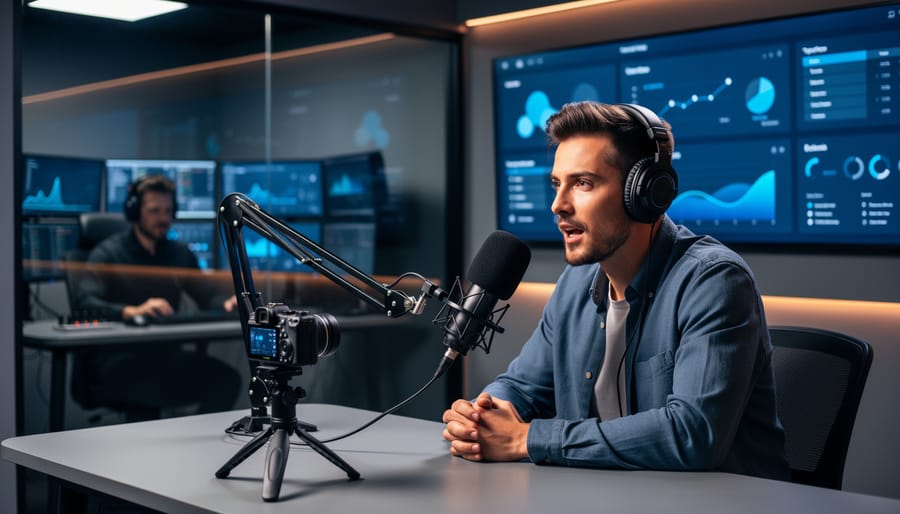
Screen every question before it reaches your live audience using automated moderation tools that flag profanity, competitor mentions, and off-brand content in real-time. Establish clear community guidelines 48 hours before going live, then require participants to acknowledge them before submitting questions—this single step eliminates up to 60% of problematic submissions.
Deploy a dedicated moderator who reviews and approves questions in a staging queue while you’re presenting, ensuring only vetted content reaches your screen. Configure delay settings of 10-15 seconds between question submission and display, giving your team critical reaction time without disrupting the live experience.
Activate automated filters that catch variations of banned words, including common misspellings and character substitutions that manual review might miss. Build a pre-approved question bank for slower moments, maintaining engagement while your moderator handles incoming submissions.
Create response templates for handling inappropriate questions professionally, allowing you to acknowledge the issue and redirect conversation without dwelling on negativity. Document every flagged question and your response in a centralized system—this data reveals patterns that strengthen your moderation approach for future sessions and protects your brand through consistent, trackable decision-making.
Why Livestream Q&As Are Different from Standard Broadcasts
Livestream Q&As introduce a level of unpredictability that standard broadcasts simply don’t face. When you control the script and flow of a regular livestream, you can rehearse talking points, prepare visual materials, and maintain tight messaging. Q&A sessions flip this dynamic entirely. You’re responding in real time to questions from your audience, and you can’t predict what they’ll ask or how they’ll phrase it.
This unpredictability creates several distinct moderation challenges. Trolling attempts become more sophisticated when bad actors can directly engage with your brand representatives. They might phrase inflammatory questions to appear legitimate, hoping to catch you off guard or provoke an unprofessional response. Sensitive topics that you’d never address in prepared content can surface unexpectedly, forcing split-second decisions about whether and how to respond.
Unlike pre-recorded content or even scripted livestreams, you cannot edit out problematic moments. Once something is said or a question is displayed publicly, it’s out there. This immediacy is precisely what makes Q&As engaging for audiences, but it also amplifies risk for your brand.
Standard broadcasts allow you to gate content before it reaches your audience. You can review comments before featuring them, pause to gather thoughts, or simply ignore distractions without breaking your presentation flow. Q&A formats, however, create an implicit promise of interaction and responsiveness. If you ignore too many questions or appear overly filtered, you lose the authenticity that makes these sessions valuable.
The stakes are particularly high because audience expectations differ dramatically. People tune into Q&As specifically for unscripted, genuine interaction. Protecting your brand during livestreams requires balancing this authenticity against the very real need for quality control.
The Real Risks: What Can Go Wrong During Live Q&As
Live Q&A sessions expose your brand to unique risks that differ from pre-recorded content. Understanding these threats helps you prepare appropriate safeguards without abandoning the format’s engagement benefits.
Inappropriate questions represent the most common challenge. Viewers may submit questions containing profanity, offensive content, or politically charged topics unrelated to your brand. In 2022, a major tech company’s product launch livestream faced this when coordinated trolls flooded the chat with inflammatory questions, forcing moderators to temporarily disable submissions. While disruptive, these incidents rarely cause lasting damage when handled with clear moderation protocols.
Coordinated attacks pose a more serious threat. Competitor sabotage, activist campaigns, or organized troll groups can overwhelm your stream with negative messaging. These attacks typically involve multiple accounts posting similar content simultaneously, making them identifiable through pattern recognition. The key is having systems that detect unusual submission spikes and temporarily pause question intake while your team assesses the situation.
Misinformation spread during live sessions creates legal and reputational exposure. If a viewer asks about product capabilities and your host provides inaccurate information, you’ve created a public record of false claims. Similarly, allowing unverified health claims, financial advice, or safety misinformation in viewer questions without correction can establish liability. Document all Q&A exchanges and implement fact-checking processes for sensitive topics.
Reputational damage often stems from poor response handling rather than the questions themselves. Dismissing legitimate concerns, appearing unprepared, or visibly frustrated by difficult questions damages trust more than the questions themselves. A food brand’s CEO became a viral example when he responded defensively to supply chain questions, creating negative coverage that overshadowed their product announcement.
The solution isn’t avoiding live Q&As but implementing screening systems, training hosts on crisis response, and establishing clear escalation protocols. Most risks are manageable with preparation and the right moderation infrastructure.
Pre-Stream Preparation: Building Your Safety Net
Setting Clear Community Guidelines
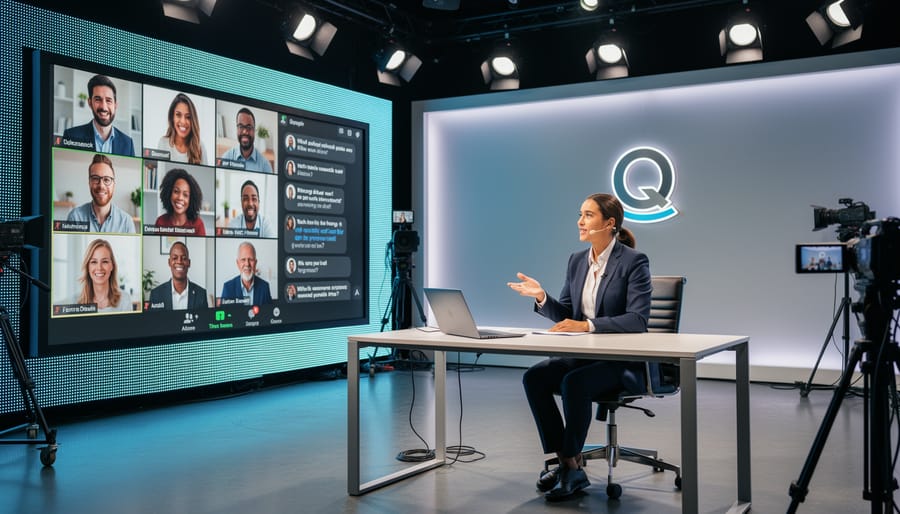
Establishing comprehensive community guidelines before going live prevents confusion and sets expectations for participant behavior. Start by defining what constitutes acceptable interaction—respectful language, on-topic questions, and no spam or promotional content. Make these rules visible across multiple touchpoints: your event registration page, pre-stream email reminders, and as an on-screen graphic when viewers first join.
Your guidelines should address specific Q&A scenarios, including how you’ll handle duplicate questions, off-topic inquiries, and sensitive subjects outside your expertise. Clearly state consequences for violations, such as comment removal or participant blocking, to demonstrate you’re serious about maintaining a professional environment.
Communicate these rules proactively rather than reactively. Send guidelines to registered participants 24 hours before your stream, giving them time to review expectations. Display a brief reminder at the start of your broadcast, and consider pinning guidelines in your chat window throughout the session.
Automate enforcement where possible by using platform tools that filter profanity or block specific keywords. This reduces manual moderation burden while maintaining consistency. However, balance automation with human oversight to catch nuanced issues that automated systems might miss, ensuring your brand remains protected without stifling genuine engagement.
Choosing the Right Moderation Tools
Modern livestream platforms offer various built-in moderation features that help protect your brand during Q&A sessions. Start by configuring automated filtering tools that instantly remove profanity, spam, and inappropriate content before viewers see it. Most platforms provide customizable profanity filters that catch common offensive terms automatically.
Create keyword blocklists tailored to your brand and industry. Include competitor names, controversial topics you want to avoid, and any terms that could derail the conversation. Update these lists regularly based on emerging trends and past experiences.
Platform-specific features vary significantly. YouTube Live offers held-for-review options that flag potentially problematic comments. Facebook Live provides role-based permissions for multiple moderators. When managing multi-platform streaming, ensure your moderation tools work across all channels simultaneously.
Consider third-party moderation software for advanced needs. Tools like Restream Chat or StreamElements provide unified dashboards that aggregate comments from multiple platforms, allowing your team to moderate efficiently from one interface. These solutions often include sentiment analysis and custom rule creation, helping you maintain consistent brand standards while scaling your livestream efforts effectively.
Assembling Your Moderation Team
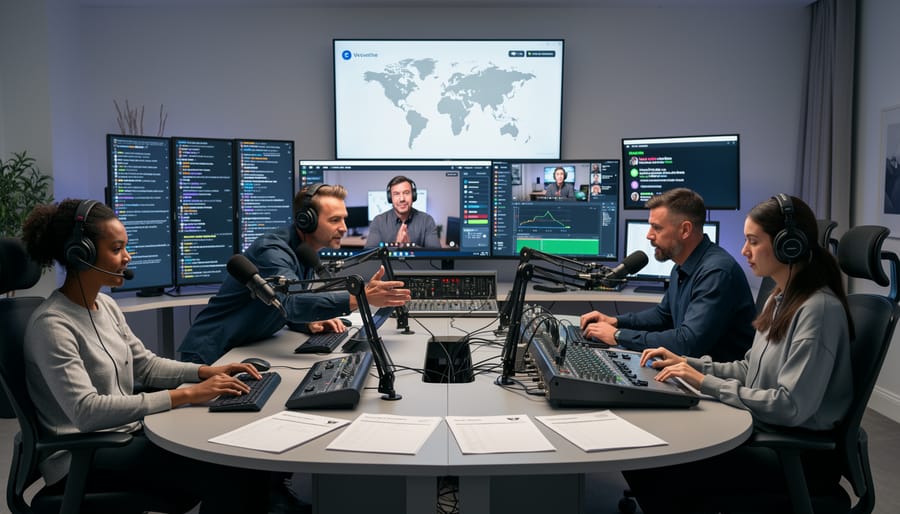
A successful livestream Q&A requires clearly defined roles and established communication channels. At minimum, you’ll need three key positions: a host to engage with viewers and pose questions, a moderator to screen submissions and manage comments in real-time, and a backup moderator to provide coverage during high-volume periods or technical issues.
Your host should focus exclusively on audience interaction and content delivery. Meanwhile, moderators handle the critical task of filtering questions using your predetermined criteria, flagging inappropriate content, and managing the queue of approved questions. Establish a priority system for questions that align with your brand messaging and provide the most value to your audience.
Before going live, create a shared document or communication channel where your team can exchange real-time updates without disrupting the broadcast. Set up simple signals for common scenarios: a thumbs-up emoji for approved questions, a flag for content needing immediate attention, or specific codes for technical difficulties.
Schedule a 30-minute pre-stream briefing to review your moderation guidelines, test your communication system, and assign backup responsibilities. This preparation ensures smooth handoffs and consistent decision-making, even when unexpected situations arise during your broadcast.
During the Stream: Active Moderation Strategies
Question Screening Methods
Choosing the right screening method depends on your audience size, content sensitivity, and engagement goals. Here are four proven approaches and when to implement each.
Pre-submission forms work best for structured sessions with predictable topics. Viewers submit questions through a Google Form or landing page before the stream begins. This gives your team time to review, categorize, and select the most relevant questions. Use this method when hosting expert panels, earnings calls, or product launches where quality matters more than spontaneity.
Delay buffers provide a middle ground between live interaction and control. Stream with a 30-60 second delay, giving moderators time to review incoming questions before they appear on screen. This approach maintains the live feel while preventing inappropriate content from slipping through. It’s ideal for moderate-risk events with active audiences who expect real-time responses.
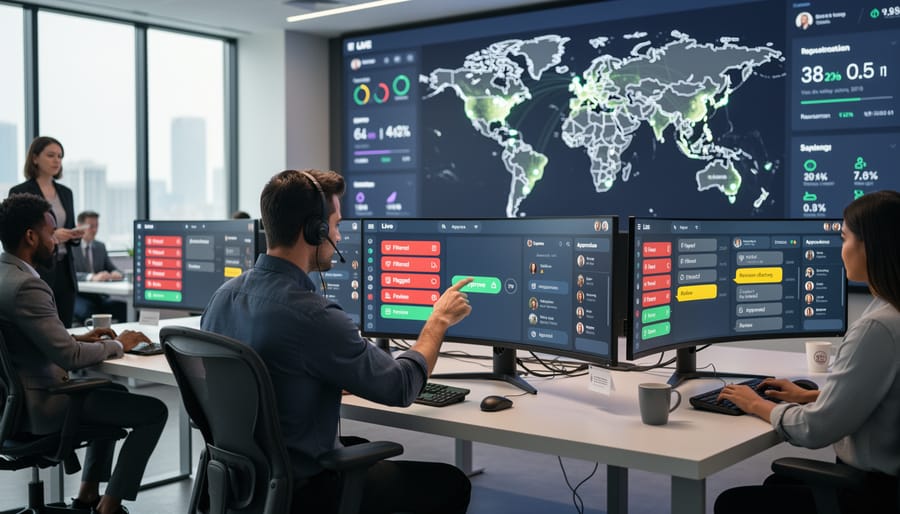
Approved question queues offer the tightest control. All submitted questions enter a holding area where moderators manually approve each one before it reaches the host. This method suits high-stakes situations like crisis communications, executive announcements, or sensitive industry discussions where brand reputation is paramount.
Many successful brands combine methods. Start with pre-submitted questions to establish flow, then open a moderated queue for live submissions. This hybrid approach balances preparation with authentic engagement. Consider your team’s capacity too. A single moderator can handle pre-submission forms, but live queues require dedicated staff monitoring submissions continuously throughout your stream.
Handling Problematic Questions in Real-Time
Develop a three-tiered response system before going live. Create scripts for common problematic scenarios: off-topic questions, promotional spam, personal attacks, or sensitive topics outside your expertise. Your first tier handles mildly off-topic questions with redirects like “Great question, but let’s stay focused on today’s topic. I’m happy to address that in a future session.” This maintains engagement without derailing your agenda.
For inappropriate or offensive content, ignore rather than amplify. Addressing every troll comment gives them the attention they seek. Train your moderator to remove these silently while you continue with legitimate questions. Similar to managing user-generated content, establish clear community guidelines beforehand so removals appear consistent and fair.
When you must address a difficult but legitimate question, acknowledge it professionally: “That’s a complex issue I can’t fully cover in this format. Let me point you to resources in the description below.” This demonstrates respect without committing to topics that could create liability or brand risk.
Practice your neutral expression and steady tone. If a question catches you off-guard, buy time with “Let me think about how to best answer that” or “Can you clarify what you mean?” These phrases prevent reactive responses you might regret.
Set up automated comment filters for obvious spam terms and offensive language. This reduces your moderator’s workload and creates a cleaner viewing experience for your audience. Most streaming platforms offer keyword blocking features that work in real-time.
Leveraging Automated Moderation Without Losing Authenticity
Automated moderation tools filter spam, profanity, and off-topic questions efficiently, but they work best when paired with human oversight. Set up keyword filters to catch obvious violations, then assign a moderator to review flagged content before it reaches you. This prevents inappropriate questions from appearing while ensuring legitimate inquiries don’t get lost.
Configure your automation to prioritize rather than eliminate. Use AI tools to sort questions by relevance, upvotes, or themes, allowing your team to quickly identify which deserve live responses. This maintains conversation flow without manual sorting.
Keep authenticity by addressing automation openly. If you’re using filters, mention it briefly at the start: “We’re filtering questions to keep our discussion focused.” Transparency builds trust. Reserve time for unfiltered audience interaction, even if brief, to preserve the spontaneous connection that makes Q&As valuable. Balance is key—automate the mechanics, but let human judgment guide the conversation.
Post-Stream: Damage Control and Continuous Improvement
Once your livestream ends, your moderation work continues. The post-stream phase is critical for identifying issues you may have missed and strengthening your approach for future sessions.
Start with a comprehensive content review within 24 hours. Watch the recorded stream specifically looking for moderation gaps, inappropriate comments that slipped through, or audience reactions that signal concern. Document timestamps of any problematic moments and note how your team responded. This audit helps you understand whether your filters caught actual threats or if legitimate questions were incorrectly flagged.
Export your comment data and analyze patterns. Which topics generated the most flagged content? What times saw the highest moderation activity? Tools with real-time analytics can provide detailed reports showing moderation effectiveness, response times, and audience sentiment trends. These insights directly inform your preparation for the next session.
If a crisis occurred during the stream, act swiftly. Assess whether you need to issue a public statement, edit the recording before publishing, or reach out to affected parties. Speed matters, but accuracy matters more. Gather all facts before responding publicly.
Create a debrief document with your moderation team. What worked? What didn’t? Were your guidelines clear enough? Did automated filters need adjustment? This collaborative review builds institutional knowledge and prevents repeated mistakes.
Finally, update your moderation playbook based on learnings. Add new banned phrases, refine your escalation procedures, and adjust team assignments if certain moderators handled specific situations particularly well. Each livestream should make your next one safer and more effective. Continuous improvement transforms moderation from reactive scrambling into a strategic advantage that protects your brand while fostering genuine engagement.
Making Brand Safety Scalable
Running regular Q&A livestreams shouldn’t mean reinventing the wheel every time. The key is building systems that handle repetitive tasks automatically while preserving the authentic interactions your audience values.
Start by creating template documents for each phase of your livestream. Develop a pre-stream checklist that includes moderation settings, question screening protocols, and team role assignments. Save these as reusable frameworks you can adapt for each session rather than building from scratch.
Implement automated moderation tools that filter inappropriate content using keyword lists and AI detection. Set these systems up once, then refine them based on each livestream’s data. Most platforms allow you to save moderation settings as presets, cutting setup time from hours to minutes.
Create standard operating procedures for your team. Document response protocols for common scenarios like handling controversial questions or managing disruptive participants. When everyone knows their role and the escalation path, you maintain brand safety without constant oversight.
Develop question submission forms with automatic filtering capabilities. These can flag potentially problematic content before it reaches your live session, reducing real-time moderation pressure. Build a library of pre-approved responses to frequently asked questions that align with your brand voice.
Track metrics from each livestream and compile them into a dashboard. This automated reporting shows patterns in audience behavior and moderation effectiveness, informing improvements to your systems. When optimizing your livestream strategy, use this data to refine processes without adding manual work.
The goal is creating efficient, repeatable workflows that protect your brand while keeping the human connection intact.
Livestream Q&As don’t have to put your brand at risk. With the right moderation framework in place, you can host engaging sessions that build trust with your audience while maintaining complete control over your message. The key is approaching it systematically rather than reactively.
Start with a single, shorter Q&A session to test your moderation strategies. Use this pilot to identify gaps in your process and refine your automated filters before committing to regular broadcasts. As you gain confidence and see what works for your specific audience, gradually increase frequency and duration.
Remember that effective moderation isn’t about eliminating all spontaneity. It’s about creating guardrails that let authentic conversations happen safely. Your moderation team should feel empowered to make real-time decisions within the guidelines you’ve established.
Ready to launch your first moderated livestream Q&A? Document your moderation protocols, brief your team on response procedures, and schedule that initial session. The sooner you start, the sooner you’ll build the confidence to make livestreaming a regular part of your marketing strategy.
Leave a Reply