Small Business Marketing Automation Is Fixing the Follow-Up You Keep Missing

Small business marketing automation is software that handles repetitive follow-up for you: email and SMS nurture, booking reminders, review requests, and re-engagement messages go out automatically, on time, every time. Start with four workflows (instant lead response, booking reminders, automated review requests, and re-engagement), because they deliver the highest return for the least setup.
The case for it is practical. Research credits automation with roughly a 14.5% increase in sales productivity and a 12.2% drop in marketing overhead, and email alone returns about $36 for every $1 spent. Your clients also get faster, more consistent communication, which is often the difference between winning a lead and losing it to whoever replied first.
Cost is rarely the barrier. Several tools offer free tiers or built-in automation, and paid plans run from $37 a month with limited functionality to $193 a month for a comprehensive suite. If you sell to Canadians, every automated message also needs to be CASL-compliant, so compliance belongs in your plan from day one.
This guide covers what to automate first, what to expect to pay, how to stay compliant, and how to launch a starter setup without a technical team.
What Small Business Marketing Automation Actually Does
Marketing automation is software that handles your repetitive follow-up for you. Instead of remembering to email a new lead, text a reminder, or ask for a review, you set the rule once and the system carries it out every time.
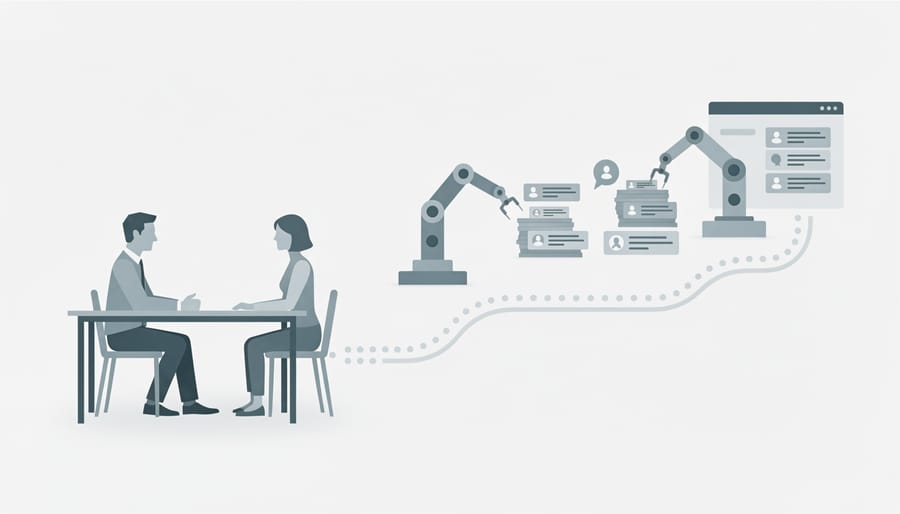
The core idea is simple: a trigger leads to an action. A trigger is something a customer does or something that happens in your business, like filling out a contact form, booking an appointment, or finishing a job. The action is what your system does in response, such as sending a confirmation email, firing off a text reminder, or creating a task so someone on your team follows up. Run that pattern across your day and the recurring work, including email and SMS nurture, reminders, review requests, and re-engagement, happens automatically.
It helps to be clear about what automation is not. It isn’t a replacement for talking to your customers, and it won’t build relationships on its own. Think of it as the groundwork that makes real conversations possible. When the routine messages go out on time, you’re no longer chasing manual follow-ups or wondering who slipped through the cracks.
That frees your attention for the moments that matter. A prompt acknowledgment keeps a lead warm, but the actual conversation, the question only you can answer, the quote tailored to their situation, still belongs to you. Automation supports the personal touch by making sure it happens at the right time, with the right person, instead of getting buried under admin work.
Why Automation Pays Off for Small Teams
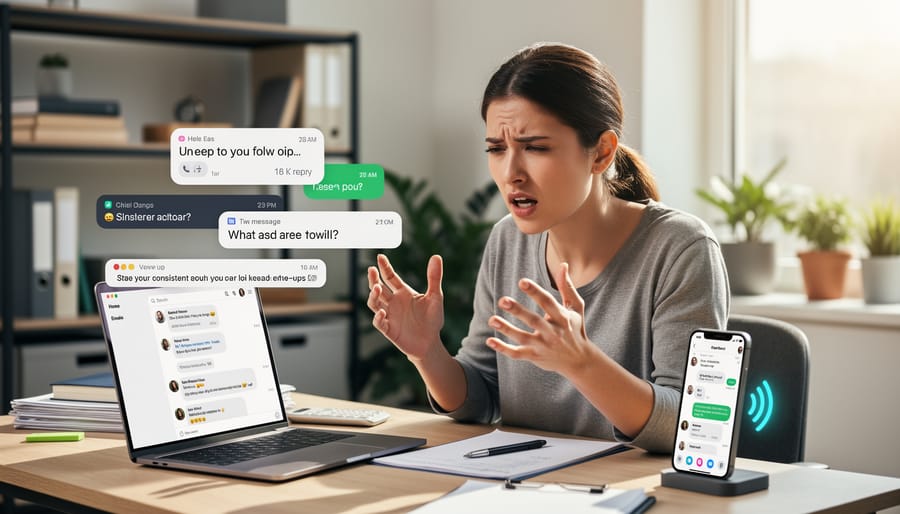
Small teams rarely lose customers because their marketing is bad. They lose them because follow-up gets squeezed out by the actual work. When one person handles sales, service and admin, the second email or the check-in text is the first thing to slip.
That’s where automation earns its keep. Research credits it with a meaningful lift in both output and efficiency, and email remains one of the strongest returns in marketing:
| Metric | Reported figure | What it means for a small business |
|---|---|---|
| Sales productivity | Roughly +14.5% | Less time spent on manual follow-up, more time on real conversations |
| Marketing overhead | Roughly -12.2% | Fewer hours and costs tied up in repetitive marketing tasks |
| Email return | About $36 per $1 spent | A low-cost channel worth running consistently |
Treat these as research-backed figures, not promises. Your results will depend on how well you execute: the quality of your messages, the accuracy of your contact list, and whether someone reviews what goes out.
The real advantage for a small team is consistency. You don’t have a marketing department, and you can’t be at your inbox every hour. An automated sequence doesn’t forget, get busy or have a bad week. It sends the reminder, the review request and the check-in on time, every time.
That reliability frees your limited hours for the work only you can do: answering questions, building trust and closing the sale.
The Four Workflows Worth Setting Up First
Instant Lead Response
A lead who fills out a form is at their most interested right then. Wait a day to reply and they’ve probably contacted someone else. That’s why instant lead response is the first workflow worth building. If your intake is sound, with lead forms that convert every submission can trigger an automatic acknowledgment by email or text within moments.
This message isn’t meant to close the sale. It buys you time while keeping the lead warm. A good first message thanks them by name, confirms you received their inquiry, sets a clear expectation for when a real person will follow up, and tells them how to reach you sooner if it’s urgent. Keep it short and friendly.
Then hand off. Send a task or alert to the right person on your team so a human picks up the conversation as promised. If the lead replies to the automated message, that reply should land in a real inbox, not disappear.
Booking Reminders
A no-show costs you the time slot and the scramble to refill it. Automated booking reminders cut down on both, and they take the manual check-in calls and texts off your plate.
Start with an instant confirmation the moment someone books. It should repeat the date, time, and location, so the details sit in their inbox from the start. Then schedule a reminder a day or two before the appointment, and a shorter one a few hours ahead for same-day nudges. Two touches is usually enough. More starts to feel like nagging.
Every reminder should answer three questions without a reply: when, where, and what to do if plans change. Include a clear reschedule or cancel link, so a conflict becomes an open slot you can rebook instead of a silent no-show.
Keep the tone warm and the wording short. It should read like a helpful note from your team, not a system alert.
Automated Review Requests
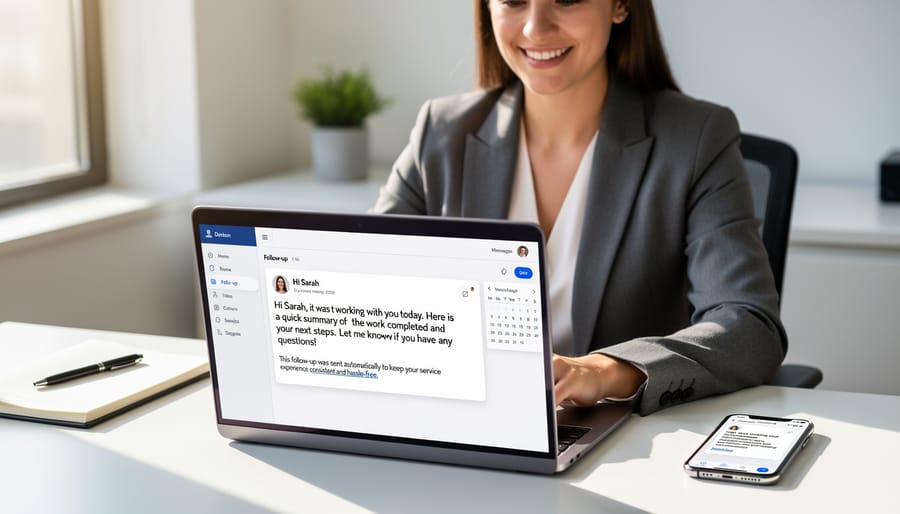
Most happy customers never leave a review, and it’s rarely because they’re unhappy. Nobody asked at the right moment. That’s where automation helps. When a job is marked complete or a purchase goes through, a short message goes out on its own with a direct link to your review page.
Keep it brief. Thank the customer, make one clear ask, and put the link where they can’t miss it. Skip long explanations. Two or three sentences is plenty, and a text often gets a faster response than an email.
The real advantage is consistency. A manual ask depends on someone remembering during a busy week, so it happens sporadically, and your review count grows in fits and starts. An automated request fires after every completed job, which means steady, fresh feedback without extra effort. It also keeps the conversation going with the people you’ve just served.
Re-Engagement Campaigns
Past customers and cold leads are easy to forget, and that’s exactly why an automatic re-engagement sequence earns its place. Pick a trigger, such as no purchase or reply in 90 days, and let the workflow handle the rest.
Keep it to two or three messages. The first is a friendly check-in that references your past work together and asks one simple question. If there’s no response after a week or so, send a second message with something useful, like a seasonal reminder, a short tip, or a small incentive. A third message is optional: a polite “should we close your file?” note often gets replies precisely because it’s low-pressure.
Then stop. Don’t keep emailing people who have ignored three messages, because it hurts your reputation and your deliverability. Move them to a quiet list, and always honour unsubscribe requests immediately.
When someone replies, pause the sequence and have a real person take over.
What Marketing Automation Costs in 2026
Pricing for marketing automation is wider than most owners expect. Several tools offer free tiers or built-in automation features, so you can start without a budget line. Paid plans in the research run from $37/month with limited functionality to $193/month for a comprehensive suite of marketing tools.
| Tier | Typical functionality | Who it suits |
|---|---|---|
| Free or built-in | Basic automation features included with a tool you may already use | Owners testing one workflow, such as an automatic reply to new inquiries |
| Entry (roughly $37/month) | Limited functionality | Small teams automating a few simple follow-ups |
| Comprehensive (roughly $193/month) | A full suite of marketing tools | Businesses running several workflows across email and SMS |
The right tier depends on the workflows you actually need, not the longest feature list. If your first goal is instant lead response and booking reminders, a free or entry plan may cover it. Pay for the larger suite only when you’ve outgrown what you have, since unused features are just recurring cost.
Before you commit, compare current options side by side. Canadian-focused comparisons of the best marketing automation software are a useful starting point, especially if compliance and local support matter to you.
Pricing changes often, and the figures above are a research range, not a quote. Check each vendor’s site directly for current plans, limits, and what’s included before you sign up.
Keeping Every Automated Message Compliant
When a message goes out automatically, no one reviews it before your customer sees it. A wrong greeting, a text sent to someone who never agreed to hear from you, or an email with no way to opt out can repeat across your whole list before anyone notices. That’s why marketing compliance belongs at the center of any automation setup, not tacked on afterward.
Our research guide commits to keeping every automated message CASL-compliant, and you should hold your own workflows to the same standard. These general practices are a sensible starting point:
– Get consent first. Only add people to email or SMS sequences after they’ve clearly agreed to receive messages from you, and keep a record of when and how they did.
– Identify your business clearly. Every message should make it obvious who is sending it, so recipients never wonder why they’re hearing from you.
– Include a working unsubscribe option. Make it easy to find, and make sure it actually stops future messages. Test it yourself.
These are practical habits, not legal advice. Requirements can change and may apply differently depending on your situation, so confirm the current rules with a qualified professional before you launch. Then build the checks into your process: review each automated message before it goes live, and revisit it every few months.
How to Get Started Without Overbuilding
Most small teams get stuck because they try to automate everything at once. Skip that. A single workflow that runs reliably beats five half-built ones, and you can launch the first in an afternoon.
Here’s a sequence that keeps the build small:
- Map your follow-up gaps. List where leads or customers go quiet: unanswered inquiries, missed appointments, jobs that never get a review request.
- Pick one workflow. Start with whichever gap costs you the most. Instant lead response, booking reminders, review requests and re-engagement are the usual high-ROI candidates.
- Choose a tool that fits your budget. Several platforms offer free tiers or built-in automation, and paid plans run from $37 to $193 a month. Pay only for features your chosen workflow needs.
- Write the messages. Keep each one short, include a clear next step, and sound like you.
- Test before going live. Send the sequence to yourself and a colleague, then check links, timing and unsubscribe options.
- Review results, then add the next workflow. Watch replies, bookings and opt-outs for a few weeks before expanding.
Reading those results is easier with some basic marketing analytics in place, even if it’s just open rates and booking counts.
Keep a person in the loop throughout. Automation should handle the routine nudge, but replies, pricing questions and anything sensitive belong to a real human who responds quickly. Set a recurring reminder, monthly works for most teams, to reread your automated messages. Offers expire, staff change and details drift, and an outdated message quietly damages the trust you’re trying to build.
Common Questions About Small Business Marketing Automation
Does automation feel impersonal?
Only if you let it. Automated messages should handle the repetitive parts, like confirmations and reminders, so you have more time for real conversations. Write them the way you’d talk to a client, and make sure replies reach an actual person.
Is a free tool enough to start?
Often, yes. Several marketing automation tools offer free tiers or built-in automation features, which is plenty for one workflow like booking reminders or review requests. Paid plans in the research run from $37/month with limited functionality to $193/month for a comprehensive suite. Upgrade when you’ve outgrown the basics, not before.
How long does setup take?
Plan on a focused afternoon for a single workflow if the messages are short. The slower part is usually deciding what to say and when. Start with one, test it yourself, then add the next.
How do I know it’s working?
Pick a few simple signals tied to each workflow: how quickly new leads get a first response, how many appointments show up, how many reviews come in, and how many quiet customers reply. For email, look past opens and clicks to email ROI metrics that connect messages to actual revenue. Compare against your manual follow-up, and review every few weeks.
Small business marketing automation works best when it takes over the follow-up you keep meaning to do, so your time goes to real conversations with clients. You don’t need a complicated funnel to get there. Pick one workflow, such as instant lead response or booking reminders, and get it running well before adding another.
Keep every message compliant, with clear consent, a clear sender, and a working unsubscribe option. Then check your results regularly and fix what isn’t landing. A few honest numbers beat a dozen guesses.
Your next step is small: write down where follow-up slips in your business right now. Then try one free tier or built-in feature to close that gap this week.
Leave a Reply