Why Your Google Business Profile Isn’t Bringing in Customers (And How to Fix It)

Your Google Business Profile determines whether customers find you or your competitors when searching locally. Claim and verify your profile within 24 hours to establish ownership and unlock full editing capabilities. Upload high-resolution photos of your storefront, products, and team every week—listings with regular visual updates receive 42% more direction requests and 35% more website clicks than static profiles.
Complete every profile section with precision. Add your primary category first, then select secondary categories that accurately represent your services. Write a description using natural language that includes your location, services, and what differentiates your business, keeping it under 750 characters for optimal mobile display.
Automate review requests immediately after customer transactions to maintain a steady flow of fresh testimonials. Respond to every review within 48 hours using personalized messages that address specific feedback points. Set up posts on a weekly schedule to announce offers, updates, and events—these keep your profile active in local search algorithms.
Enable messaging to capture customer inquiries directly through your profile, then integrate responses into your existing communication workflows. Monitor your insights dashboard monthly to identify which search terms drive discovery and adjust your profile content accordingly. These tactical improvements compound over time, transforming your profile from a basic directory listing into a customer acquisition engine.
What Makes a Google Business Profile Actually Work
Google evaluates your Business Profile based on three fundamental factors: relevance, distance, and prominence. Understanding how these elements work together will help you focus your optimization efforts where they matter most.
Relevance measures how well your profile matches what someone is searching for. Google analyzes your business category, description, services, and attributes to determine if you’re a good match for a user’s query. This is why completing every section of your profile with accurate, detailed information is essential. The more context you provide, the better Google can connect you with the right searches.
Distance considers how far your business is from the searcher’s location or their specified search area. While you can’t change your physical location, you can optimize your service area settings and ensure your address is accurate. For service-based businesses, properly defining your service areas helps Google show your profile to customers within your operational range.
Prominence reflects how well-known and trusted your business is both online and offline. Google evaluates factors like review quantity and quality, citation consistency across the web, website authority, and overall online presence. This is where local SEO tactics extend beyond your profile itself. Your business’s reputation, backlinks, and mentions across other platforms all contribute to this score.
The good news is that these factors aren’t mysterious algorithms you can’t influence. By maintaining profile completeness, actively managing reviews, regularly posting updates, and ensuring your business information is consistent everywhere it appears online, you directly improve your standing in all three areas. Google rewards businesses that demonstrate authority, trustworthiness, and active engagement with their customers. Focus on these controllable elements, and your profile will naturally rise in local search rankings.
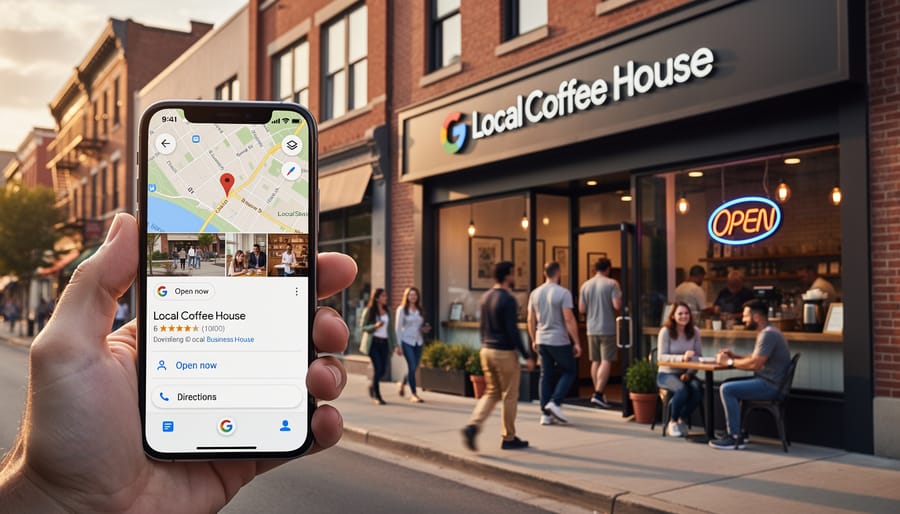
Setting Up Your Profile the Right Way From Day One
Claim and Verify Your Business Profile
Claiming and verifying your Google Business Profile is the essential first step toward improving your local search visibility. Without verification, your profile won’t appear in Google Maps or local search results, making this process non-negotiable for any business serious about attracting local customers.
Start by visiting google.com/business and signing in with your Google account. Search for your business name and address. If your business already exists in Google’s system, you’ll see an option to claim it. If not, click “Add your business to Google” and enter your business information.
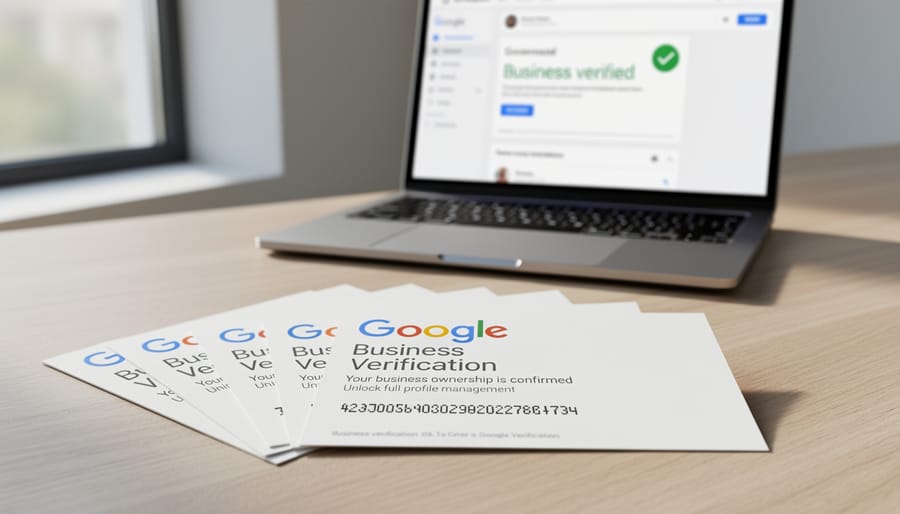
Google offers several verification methods depending on your business type. Most businesses receive a postcard with a verification code at their physical address, which typically arrives within five business days. Other options include phone verification, email verification, or instant verification if you’ve already verified your business through Google Search Console.
Once you receive your verification code, return to your Business Profile dashboard and enter it to complete the process. This immediately unlocks your profile’s full potential, allowing you to manage information, respond to reviews, and track customer interactions.
Don’t delay verification. Verified businesses see significantly higher engagement rates and appear more trustworthy to potential customers searching for local services. The sooner you complete this step, the faster you can start optimizing other profile elements to drive real results.
Choose Your Categories Strategically
Your category selection directly impacts which searches display your business, making it one of the most consequential optimization decisions you’ll make. Google allows one primary category and up to nine secondary categories, each serving as a signal for matching your profile to user queries.
Start by selecting a primary category that precisely describes your core business offering. Avoid being too broad or too narrow. A bakery specializing in wedding cakes should choose “Bakery” as primary rather than “Wedding Service” to capture broader relevant searches while still ranking for specific queries. Google’s algorithm weighs your primary category most heavily in determining when to show your profile.
Secondary categories expand your visibility for adjacent services without diluting your primary focus. Choose categories that represent actual services you provide and that customers actively search for. A dental practice might add “Cosmetic Dentist” and “Emergency Dental Service” as secondary categories to appear in those specific searches.
Research your competitors’ category selections to identify opportunities they’re capturing. Use Google’s category suggestions as you type, which reflect actual search patterns and available options. Remember that category changes can take several days to fully reflect in search results, so monitor your impression data after making adjustments to verify improved visibility for your target queries.
Complete Every Field That Matters
Your Google Business Profile’s completeness directly impacts your visibility in local search results. Google favors profiles with comprehensive information, so leaving fields empty means missed opportunities.
Start with your business name, address, and phone number. Ensure consistency across all online listings to build credibility with search engines. Add your business hours with precision, including special hours for holidays. This prevents frustrated customers from arriving when you’re closed and helps manage expectations.
Select the most accurate business category first, then add secondary categories that reflect your services. This categorization helps Google match your business to relevant searches. Include attributes like “women-led” or “wheelchair accessible” to provide helpful context and capture niche searches.
For service-area businesses, define your coverage zones precisely. Don’t overpromise reach areas you can’t adequately serve, as this affects customer satisfaction and review quality.
Incorporate relevant keywords naturally throughout your business description, focusing on services and locations you want to rank for. Describe what makes your business unique and what customers can expect. Add your website URL and appointment booking link to streamline the customer journey from discovery to conversion. Set up automated notifications to alert you when profile information needs updating or when customers ask questions.
The Content That Converts Searchers Into Customers
Write a Business Description That Ranks and Resonates
Your business description is prime real estate—750 characters to convince both Google’s algorithm and potential customers that you’re their best choice. Start by frontloading your primary keywords naturally within the first 250 characters, as this portion appears before the “read more” cut-off in search results.
Structure your description with three key elements: what you do, who you serve, and what makes you different. Be specific about your services, products, and geographic coverage. Instead of writing “we offer great customer service,” say “we provide same-day appliance repair throughout downtown Chicago with 24/7 emergency support.”
Include secondary keywords and location-specific terms throughout, but prioritize readability. Google’s algorithm recognizes natural language patterns, so avoid keyword stuffing that makes your description sound robotic.
End with a clear call-to-action that prompts immediate engagement: “Call today for a free consultation” or “Visit our showroom this weekend.” This approach transforms your description from static information into an automated lead generation tool that works around the clock, filtering qualified prospects before they even contact you.
Photos That Actually Get Clicked
High-quality photos directly impact your profile’s click-through rate and customer engagement. Google recommends uploading at least three photos per category, but profiles with 100+ photos receive 520% more calls and 2,750% more direction requests.
Start with exterior shots that clearly show your storefront, signage, and parking options. These help customers locate you and verify they’ve arrived at the right place. Interior photos should highlight your atmosphere, cleanliness, and unique features that set you apart from competitors.
Team photos humanize your business and build trust before customers ever walk through the door. Showcase your staff in action, demonstrating expertise and customer service. Product photos should be well-lit, professionally composed, and updated regularly to reflect current offerings.
Quality matters more than quantity. Use high-resolution images with good lighting, proper framing, and minimal blur. Consider geotagging your photos to strengthen local relevance signals and boost visibility in nearby searches.
Upload photos consistently rather than all at once. Google favors active profiles, so adding 3-5 new images monthly signals ongoing business activity. Avoid stock photos entirely as they reduce authenticity and customer trust.

Using Posts to Stay Visible and Relevant
Google Posts function as mini social media updates directly on your Business Profile, keeping your listing fresh and engaging. These time-sensitive posts appear in search results and Maps, giving you prime real estate to communicate directly with potential customers.
Create posts for specific purposes: promote limited-time offers, announce upcoming events, showcase new products, or share company updates. Each post type serves a distinct function and includes relevant call-to-action buttons that drive immediate engagement. For maximum effectiveness, post at least once per week—Google favors profiles that demonstrate consistent activity.
Keep your posts concise and visual. Include high-quality images or videos that capture attention in search results. Write clear, action-oriented copy with specific details like dates, prices, or unique selling points. Posts expire after seven days (or on the event date), so establish a regular posting schedule to maintain visibility.
Consider setting up an automated process for recurring posts, such as weekly specials or monthly events. This ensures your profile never appears stagnant. Track which post types generate the most clicks and customer actions, then adjust your content strategy accordingly. Posts that receive engagement signal to Google that your business is active and relevant, potentially boosting your overall search rankings.
Products and Services That Show Up in Search
Google lets you showcase up to 1,000 products or services directly on your Business Profile, making it easier for potential customers to find exactly what you offer. Start by adding detailed product listings with clear descriptions that include relevant keywords customers actually search for. Include specific pricing whenever possible—transparency builds trust and helps searchers make faster decisions.
High-quality images significantly impact conversion rates, so upload clear photos for each product or service. Write descriptions that highlight benefits and unique features rather than generic details. Organize offerings into logical categories to improve navigation and user experience.
This feature captures specific, high-intent search queries like “dentist teeth whitening near me” or “bakery custom birthday cakes.” When someone searches for a particular service you’ve listed, Google can display your business directly in those results. Update your catalog regularly to reflect seasonal offerings, new services, or discontinued items. The more comprehensive and current your product information, the better your visibility for targeted searches that drive qualified leads.
Reviews: Your Most Powerful Ranking Signal
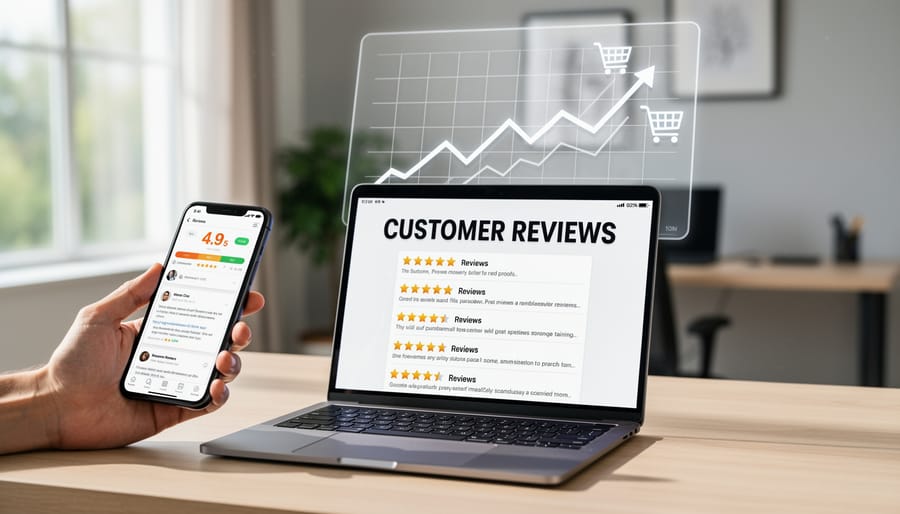
Build a System for Earning Reviews Consistently
Creating a consistent review generation system starts with timing your requests strategically. The ideal moment is 2-5 days after service delivery or product purchase, when the experience remains fresh but customers have had time to evaluate their satisfaction. This window maximizes response rates while capturing authentic feedback.
Implement automated email or SMS follow-ups that include a direct link to your Google Business Profile review page. Keep your message brief and personal—thank customers for their business, mention the specific service they received, and politely request their feedback. This personalized touch significantly increases conversion rates compared to generic requests.
Train your team to identify satisfied customers during interactions and mention reviews conversationally. A simple “If you’re happy with our service, we’d appreciate a Google review” works effectively when delivered naturally. However, never incentivize reviews with discounts or rewards, as this violates Google’s policies and risks penalties.
Set up automated reminders for customers who don’t respond to initial requests. Send one gentle follow-up after 5-7 days, then stop. Persistence beyond this point becomes counterproductive and annoying.
Make the review process frictionless by providing step-by-step instructions for customers unfamiliar with Google reviews. Include screenshots or a short video guide in your follow-up communications. The easier you make it, the higher your completion rate.
Track your review request performance metrics monthly. Monitor response rates, sentiment trends, and which communication methods generate the most local reviews. Use this data to refine your approach continuously, focusing resources on channels that deliver results.
Respond to Every Review the Right Way
Review responses directly impact your local search rankings and customer trust. Google monitors response rates and quality as engagement signals, making this a critical optimization factor.
For positive reviews, respond within 24-48 hours with personalized messages. Thank the customer by name, reference specific details they mentioned, and reinforce your brand values. A simple template: “Thank you [Name] for taking the time to share your experience! We’re thrilled that [specific service/product] met your expectations. We look forward to serving you again soon.”
Negative reviews require extra care. Respond promptly, acknowledge the concern, apologize when appropriate, and offer to resolve the issue offline. Template example: “Hi [Name], thank you for bringing this to our attention. We sincerely apologize for [specific issue]. We’d like to make this right. Please contact us directly at [phone/email] so we can resolve this immediately.”
Set up automated alerts to notify you instantly when new reviews arrive. This ensures timely responses without constant manual checking. Many businesses use review management tools that centralize notifications across platforms.
Keep responses professional, avoid defensive language, and never argue publicly. Every response is visible to potential customers, making it a marketing opportunity. Consistent, thoughtful responses demonstrate that you value customer feedback and actively manage your reputation—signals that both Google and customers reward with increased visibility and trust.
Technical Optimization That Most Businesses Miss
NAP Consistency Across the Web
Your Google Business Profile effectiveness depends heavily on NAP consistency—ensuring your business name, address, and phone number appear identically everywhere online. Even minor variations like “Street” versus “St.” or different phone number formats can confuse search engines and harm your local rankings.
Start by auditing your NAP information across major directories like Yelp, Yellow Pages, Facebook, and industry-specific listings. Document every instance where your information appears differently. Then systematically update each listing to match your Google Business Profile exactly, character for character.
Your website should display the same NAP format in your footer, contact page, and location pages. Use schema markup to help Google recognize this consistency. Consider automated citation management tools to monitor your listings and alert you to discrepancies that appear over time.
This consistency signals credibility to search algorithms and makes it easier for customers to contact you correctly. Regular quarterly audits prevent drift as your business information evolves.
Website Integration and Schema Markup
Linking your Google Business Profile to your website creates a crucial connection that Google uses to verify your business legitimacy and relevance. Include your website URL in your profile’s designated field, and ensure your NAP (Name, Address, Phone) information matches exactly across both platforms. Inconsistencies confuse search engines and weaken your local rankings.
Implementing local business schema on your website takes this connection further by providing structured data that search engines can easily read and understand. This code tells Google exactly what your business does, where you’re located, your hours of operation, and other critical details. While it requires some technical setup, the payoff is significant—schema markup reinforces the information in your GBP and can improve your visibility in local search results.
Most website platforms offer plugins or built-in tools to add schema markup without coding knowledge. Focus on LocalBusiness schema at minimum, and consider adding Review and FAQ schema where applicable. Test your implementation using Google’s Rich Results Test to ensure it’s working correctly.
Track What’s Working With Automated Insights
Understanding what drives results with your Google Business Profile requires consistent monitoring of performance metrics. GBP Insights provides valuable data about how customers find and interact with your listing, but manually checking these metrics daily becomes time-consuming and inefficient.
Focus on these key metrics within your GBP dashboard: search queries that led customers to your profile, the number of times your profile appeared in search versus maps results, customer actions taken (website visits, direction requests, phone calls), and photo views. These data points reveal which optimization efforts generate tangible results.
Set up automated reporting systems to track these metrics without daily manual checks. Many business management platforms offer integration with GBP Insights, creating scheduled reports that highlight performance trends and anomalies. This automation allows you to identify patterns—such as specific days when direction requests spike or which search terms consistently drive traffic—without dedicating hours to data analysis.
Pay particular attention to comparison metrics month-over-month. A sudden drop in profile views might indicate a competitor has optimized their listing or Google has changed its algorithm. Conversely, increased phone calls after updating your business description confirms that optimization tactic worked.
Use these insights to refine your strategy continuously. If photos showing your team receive more engagement than product images, adjust your content strategy accordingly. When certain keywords drive qualified traffic, incorporate them more prominently in your business description and posts. Automated tracking transforms raw data into actionable intelligence, helping you make informed decisions that improve local search performance while freeing up time for other business priorities.
Optimizing your Google Business Profile isn’t a checkbox you tick once and forget. It’s an ongoing commitment that separates businesses thriving in local search from those struggling to get noticed. Your competitors are constantly updating their profiles, gathering reviews, and refining their strategies. Standing still means falling behind.
The good news? You don’t need to spend hours each week manually managing every detail. Systematic, automated processes can handle much of the heavy lifting—from review monitoring and response to content updates and performance tracking. By implementing the right workflows, you maintain your competitive edge without the constant manual effort that drains resources and creates inconsistency.
Think of GBP optimization as part of your regular business rhythm, not an overwhelming project. Set up automated systems for routine tasks, schedule quarterly audits to assess performance, and maintain open communication channels with your team about local SEO priorities. When optimization becomes systematic rather than sporadic, you’ll see sustained improvements in visibility, customer engagement, and ultimately, revenue. The businesses that win in local search are those that commit to consistent, strategic optimization over time.
Leave a Reply