How to Plan and Execute a Virtual Reality Convention in 2026
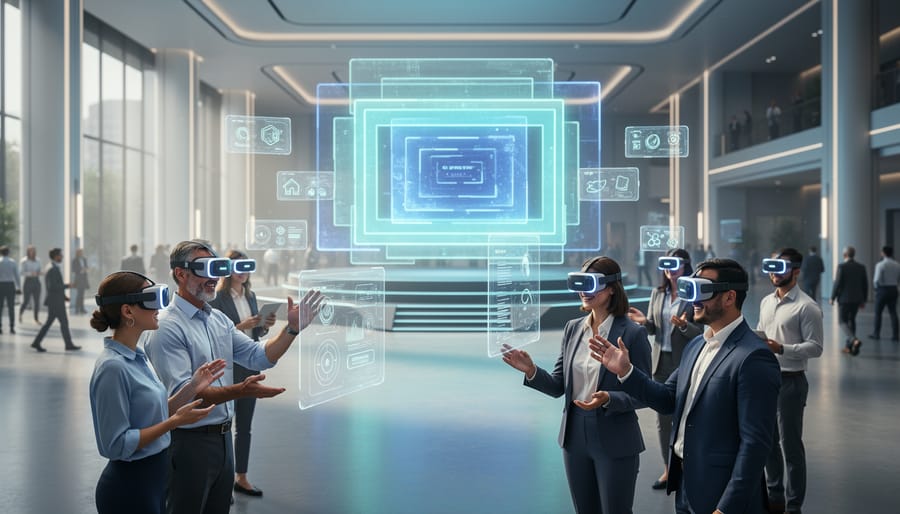
Virtual reality conventions deliver immersive brand experiences and qualified leads through customizable 3D environments accessible from anywhere, combining the networking power of in-person events with the scale and data tracking capabilities of digital marketing. The core method involves building a persistent virtual venue, integrating engagement mechanics like live product demos and breakout sessions, and driving attendance through multichannel promotion.
Marketing professionals adopting VR conventions in 2026 face a straightforward implementation timeline of 4-8 weeks, depending on platform complexity and content readiness. The approach works because it removes geographic barriers while creating memorable interactions that traditional webinars and email campaigns can’t match. Attendees spend an average of 47 minutes in well-designed virtual convention spaces, compared to 8 minutes on standard landing pages.
The shift matters now because buyer expectations have evolved beyond static video calls. Decision-makers want to explore products in 3D, join live Q&A sessions with subject matter experts, and collect resources without traveling. VR conventions meet this demand while generating trackable engagement data that feeds directly into your CRM and automated follow-up sequences.
This guide walks you through platform selection, environment design, attendee onboarding automation, and post-event lead nurturing. You’ll learn which tools integrate with existing marketing stacks, how to prevent common technical barriers that hurt attendance, and how to measure ROI beyond vanity metrics. The process assumes no prior VR development experience and focuses on platforms designed for marketing teams, not developers.
What You Need Before Starting Your VR Convention
Before you invite a single attendee, assemble your technical stack and team. A VR convention requires more infrastructure than a traditional webinar, but the right preparation prevents last-minute scrambles and ensures a smooth experience for everyone involved.
Platform Technology
Your VR platform is the foundation. Popular options for business events include Engage VR, Spatial, AltspaceVR, Mozilla Hubs, and VRChat. Each supports different audience sizes, customization levels, and hardware requirements. For corporate conventions with 200+ attendees, platforms like Engage VR or Spatial offer robust moderation tools, analytics dashboards, and white-label branding. Smaller gatherings under 50 people can work well in Mozilla Hubs, which runs in a browser without requiring dedicated VR headsets.
Check platform compatibility with common headsets: Meta Quest 2 and 3, HTC Vive, PlayStation VR2, and Valve Index. Most enterprise platforms also provide desktop and mobile access for attendees without VR hardware, expanding your reach to marketing professionals who want to attend but haven’t invested in equipment yet.
Essential Tools and Materials
- VR platform subscription and hosting (Engage, Spatial, Mozilla Hubs, or similar)
- 3D content creation software (Unity, Unreal Engine, Blender for custom environments and assets)
- Registration and ticketing system (Eventbrite, Hopin, or custom registration forms)
- CRM integration (HubSpot, Salesforce, or Mailchimp for automated attendee communication)
- Video streaming infrastructure (for live presentations, keynotes, or hybrid components)
- Marketing automation tools (email sequences, social media scheduling, landing page builders)
- Analytics and tracking software (Google Analytics, platform-native dashboards, heatmap tools)
Content Assets and Creative Resources
You’ll need branded 3D environments, virtual booth designs, presentation slides optimized for VR viewing, and pre-recorded video content for on-demand access. Budget time for a 3D artist or designer if your team lacks Unity or Blender expertise. Many VR platforms offer template environments you can customize with your brand colors, logos, and messaging, which cuts production time significantly.
Team Structure
Assign roles early: a technical lead to manage platform setup and troubleshooting, a content coordinator for speaker logistics and presentation materials, a marketing lead for promotion and registration campaigns, and a customer success manager to handle attendee questions through automated chat workflows and live support channels. Smaller teams can double up, but each function needs an owner to avoid gaps on event day.
Critical Warnings and Common Pitfalls to Avoid
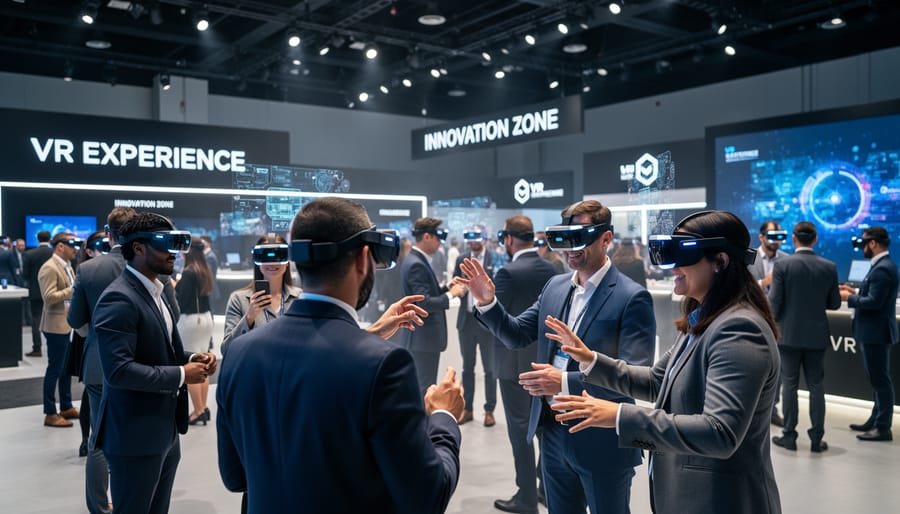
Planning a VR convention without addressing potential failure points upfront can derail even the most ambitious event. Technical failures top the list: server crashes during peak attendance, platform incompatibility across different VR headsets, and audio lag during keynote presentations can frustrate attendees and damage your brand experiences. Always conduct multiple load tests with your expected maximum capacity plus 20% buffer, and maintain backup streaming options if your primary platform fails.
Bandwidth limitations pose significant risks. Attendees connecting from regions with slower internet speeds or unstable connections will experience choppy visuals, dropped sessions, or complete inability to enter the virtual environment. Offer a browser-based fallback option for those unable to use VR headsets, and publish minimum bandwidth requirements prominently in all pre-event communications.
Accessibility issues frequently get overlooked until launch day. VR experiences can trigger motion sickness in susceptible users, exclude participants with visual or hearing impairments, and create barriers for those without access to expensive hardware. Best practices for accessibility recommend providing text alternatives for audio content, adjustable movement speeds to reduce nausea, and screen-reader compatible navigation. Plan hybrid attendance options so non-VR users can still participate meaningfully.
Privacy and data security concerns escalate in virtual environments. Attendees share device information, location data, and behavioral patterns within your platform. Failing to secure explicit consent, mishandling registration data, or using platforms without clear GDPR or privacy law compliance exposes you to legal liability. Vet your VR platform’s security protocols thoroughly, publish a transparent privacy policy, and ensure your CRM integrations encrypt all attendee data. Never record sessions without visible consent notifications and clear opt-out mechanisms.
Step-by-Step Process to Launch Your VR Convention

Define Your Event Objectives and Audience
Before touching any platform settings or creative assets, pin down what you want your VR convention to achieve. A clear objective drives every decision afterward, format, content, promotion budget, and which metrics actually matter.
Start by asking: Are you generating qualified leads? Launching a product to an engaged audience? Educating existing clients to reduce support load? Building industry authority? Each goal demands a different event structure. A lead-generation convention needs robust registration forms, multiple touchpoints for data capture, and follow-up workflows. A product launch requires demo spaces, Q&A sessions, and press-friendly timing. Client education events prioritize breakout rooms, recorded sessions, and post-event resource libraries.
Next, define your audience with specificity. “Marketing professionals” is too broad; “B2B SaaS marketing managers with $50k+ event budgets exploring VR for 2026 conferences” gives you targeting criteria. Document their VR experience level, preferred session length, time zones, and likely technical constraints. This shapes platform choice and content complexity.
Connect each objective to a measurable KPI now, not after the event. Lead generation? Track registration-to-attendee conversion, booth visits per lead, and post-event SQL rates. Brand awareness? Monitor social mentions, press pickups, and branded search lift. Product demos? Count demo completions and trial sign-ups within seven days. These KPIs feed directly into your verification process later and justify your VR investment to stakeholders.
Select and Configure Your VR Platform
Choosing the right VR platform determines whether your convention runs smoothly or collapses under technical strain. Start by assessing your audience size: platforms like AltspaceVR and Spatial handle smaller gatherings well, while enterprise solutions such as Virbela or Engage scale to thousands of concurrent users without performance degradation.
Match platform capabilities to your attendees’ technical baseline. If most lack VR headsets, prioritize browser-accessible platforms like Mozilla Hubs or Spatial that work on desktop and mobile. For dedicated VR experiences, verify headset compatibility across Meta Quest, HTC Vive, and Valve Index devices.
Budget constraints matter. Open-source platforms offer customization freedom but require developer resources. Turnkey solutions like EventX or 6Connex bundle hosting, support, and analytics at premium prices, saving time for non-technical teams.
Evaluate integration requirements next. Your platform must connect seamlessly with your existing CRM, registration system, and email automation tools. Request API documentation before committing.
During setup, configure virtual spaces room by room, testing navigation flow between lobbies, presentation halls, and networking areas. Run load tests with 20 percent more attendees than expected. Schedule three rehearsal sessions: one for speakers, one for technical staff, and a final walkthrough simulating real attendee behavior.
Design Immersive Content and Virtual Spaces
Your virtual environments shape whether attendees stay engaged or leave early. Start by mapping user journeys through your convention space: plan clear navigation paths, visible signage, and logical transitions between zones. Design distinct areas for presentations, product demos, networking lounges, and sponsor booths, ensuring each serves a specific purpose without overwhelming visitors.
Apply immersive storytelling techniques to make your brand presence memorable, use spatial audio cues, interactive 3D elements, and branded environments that reinforce your visual identity without cluttering the experience. Keep load times under three seconds per scene by optimizing asset sizes and polygon counts.
Create interactive touchpoints where attendees actively participate rather than passively observe. Add clickable product demos, downloadable resources accessible through in-world interfaces, and avatar customization options that let visitors express themselves. Follow VR content best practices by testing all interactions across target headsets before launch.
Maintain brand consistency through custom textures, color schemes, and logo placement that match your existing marketing materials. Balance visual richness with performance, detailed environments lose impact if they cause motion sickness or framerate drops. Build in rest areas with simplified visuals where attendees can pause without sensory overload.
Build Registration and Automated Communication Workflows
Registration is the foundation of attendee management and sets the tone for your entire VR convention. Start by selecting a registration platform that integrates directly with your CRM, tools like HubSpot, Salesforce, or ActiveCampaign allow you to capture attendee data and automatically sync it for follow-up. Build a registration form that collects essential information: name, email, company, VR headset type (or indicate non-VR attendance), and any accessibility requirements.
Once registered, trigger an automated email sequence to guide attendees through preparation. Your first email should confirm registration and deliver calendar invites with clear timezone information. Two weeks before the event, send technical setup instructions including platform downloads, hardware checks, and tutorial videos. One week out, share the agenda and highlight key sessions tailored to their interests based on registration data.
Three days before launch, automate a final reminder with login credentials, troubleshooting resources, and support contact details. Configure SMS reminders for 24 hours and one hour before the event starts, no-show rates drop significantly with multi-channel touchpoints.
Post-event, automate a thank-you email within hours, include session recordings, and schedule follow-up sequences based on attendee engagement levels tracked during the convention.
Promote Your VR Convention Across Channels
Start promotion six to eight weeks before your event to build momentum across all channels. Your multi-channel strategy should amplify reach while maintaining consistent messaging about your VR convention’s unique value.
SEO optimization begins with creating a dedicated landing page targeting keywords like “virtual reality convention 2026” and industry-specific terms. Publish blog posts addressing attendee pain points, such as “how to prepare for your first VR convention” or “what to expect at virtual industry events.” These drive organic traffic and position your brand as the authority.
Social media campaigns work best when you share behind-the-scenes content showing your VR environment build, speaker announcements, and countdown posts. LinkedIn performs well for B2B events; use carousel posts highlighting specific sessions or networking opportunities. Create a unique event hashtag and encourage speakers to share it within their networks.
Email sequences should segment audiences by interest and engagement level. Send a launch announcement, then automated reminders at three weeks, one week, and 24 hours before the event. Include clear technical requirements and direct registration links in every message.
Paid advertising on Google and social platforms targets lookalike audiences based on your existing customer data. Retarget website visitors who viewed your landing page but haven’t registered yet, offering early-bird pricing or exclusive access incentives to convert hesitant prospects.
Execute the Live Event with Real-Time Support
On event day, assign a dedicated technical team to monitor platform performance, server load, and connection stability throughout the live sessions. Designate moderators for each virtual space, main stage, breakout rooms, networking lounges, to guide attendees, manage Q&A, and escalate technical issues immediately. Set up a visible help desk within the VR environment where attendees can access live support via text chat or voice.
Use your platform’s analytics dashboard to track VR ROI in real time: watch concurrent users, session duration, booth visits, and content interactions as they happen. If engagement drops in a specific area, deploy moderators to stimulate activity or adjust the schedule on the fly.
Prepare a rapid response plan for common technical failures, login errors, audio glitches, frame rate drops. Keep fallback communication channels open (email, Slack, SMS) to assist attendees who lose connection. Run quick polls and interactive elements at intervals to maintain energy and gather instant feedback, allowing you to refine pacing before the next session begins.
How to Verify Success and Optimize for Future Events
After the live event concludes, your work shifts to measurement and optimization. Start by pulling data from your VR platform’s analytics dashboard within 24 hours: track total attendees, average session duration, booth visits, content downloads, networking interactions, and drop-off points. Cross-reference this data with registration metrics to calculate attendance rate and identify no-shows. Export engagement heatmaps showing which virtual spaces attracted the most traffic and where attendees spent their time. This raw data becomes the foundation for ROI analysis and future planning decisions.
Integrate your event data with your CRM system to trigger automated follow-up sequences. Tag leads based on their behavior, booth visits, demo participation, questions asked, content downloaded, so your sales team can prioritize high-intent prospects. Set up automated email workflows that send personalized thank-you messages, session recordings, and relevant resources within 48 hours while engagement is still fresh. Use immersive marketing analytics to track which attendees interacted with specific products or demos, then route those leads to appropriate sales representatives with context about their interests.
Calculate ROI by comparing total event costs against revenue generated from qualified leads, immediate sales conversions, and partnership deals closed. Factor in soft benefits like brand awareness, media coverage value, and database growth. Survey attendees within three days using a short automated questionnaire that asks about technical performance, content quality, networking opportunities, and overall satisfaction. Offer an incentive like exclusive content access to boost response rates. Analyze qualitative feedback to identify pain points, poor navigation, audio issues, confusing layouts, that need fixing before your next event.
Document lessons learned in a shared workspace accessible to your entire team. Create a post-mortem report highlighting what worked, what failed, and specific changes for future conventions. Update your VR convention playbook with new best practices, refined timelines, and improved technical specifications. Schedule a 30-day follow-up review to assess how many event leads converted to customers, which automated sequences performed best, and whether your initial objectives were met. Use these insights to build a more streamlined, effective VR convention strategy that compounds value with each iteration.
Frequently Asked Questions About VR Conventions

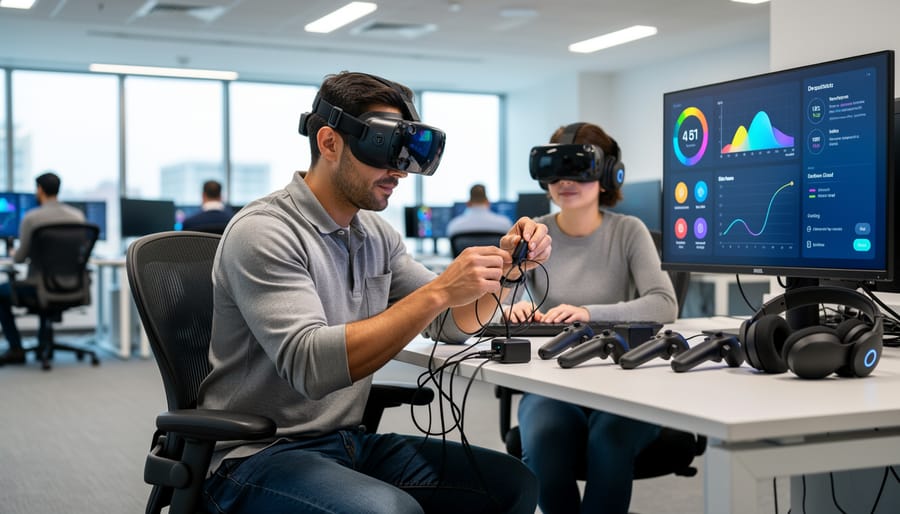
Running a VR convention raises practical questions for businesses exploring this format for the first time. Here are answers to the most common concerns marketing professionals and business owners ask when evaluating virtual reality events.
What does it cost to host a VR convention?
Costs range from $5,000 for small events using existing platforms to $50,000+ for custom-built experiences with dedicated support. Platform subscriptions, content creation, and technical support represent the largest expenses, though automation reduces ongoing labor costs significantly.
Can attendees participate without VR headsets?
Yes, most modern VR platforms offer browser-based or desktop access modes that let users navigate virtual spaces without specialized hardware. This hybrid approach expands your potential audience while maintaining the immersive experience for headset users.
How long does it take to plan a VR convention?
Plan for 8-12 weeks minimum from initial strategy to launch. Content creation and platform customization take the longest, while automated registration and communication workflows can be configured in days once your systems are in place.
What ROI should we expect from a VR event?
Lead generation typically improves 30-40% compared to traditional webinars due to higher engagement and memorable experiences. Actual ROI depends on your follow-up process, which is why integrating automated CRM workflows for post-event nurturing is critical.
Which VR platform is best for business events?
No single platform fits every scenario. Evaluate based on your attendee technical comfort level, required capacity, budget, and integration needs with existing marketing tools rather than features alone.
What’s the biggest technical challenge to prepare for?
Bandwidth variability across attendees creates the most problems. Build in quality scaling, offer pre-event technical checks, and maintain a non-VR fallback option to ensure everyone can participate regardless of their connection speed.
These answers reflect real implementation experiences rather than theoretical concerns. The technical barriers that seemed insurmountable two years ago have largely been solved through better platforms and clearer best practices, making VR conventions accessible to businesses of all sizes in 2026.
Leave a Reply