Why LinkedIn-Integrated CRMs Are Transforming Live Stream Lead Capture
Connect your CRM with LinkedIn to automatically capture every lead who engages with your live streams, eliminating manual data entry and ensuring no potential customer slips through the cracks. When viewers comment, react, or register for your broadcast, the right integration pushes their professional details directly into your sales pipeline within seconds.
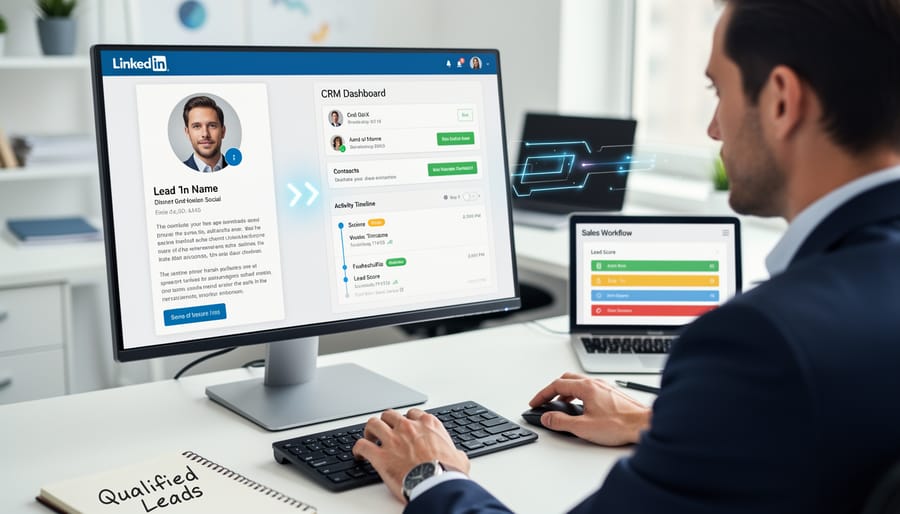
Choose a CRM that syncs bidirectionally with LinkedIn, allowing your sales team to view complete professional profiles, mutual connections, and engagement history without switching platforms. This consolidated view transforms casual stream viewers into qualified prospects by revealing their job titles, company information, and network relationships instantly.
Set up automated workflows that trigger personalized follow-ups based on specific viewer actions during your broadcast. When someone watches for more than five minutes or asks a question in the comments, your CRM should automatically assign them to the appropriate sales representative and schedule a connection request with a customized message.
Track which LinkedIn posts and live stream promotions generate the highest-quality leads by monitoring conversion paths from initial engagement to closed deals. This data reveals which topics resonate with your target audience and helps you optimize your live streams for maximum lead generation.
The combination of LinkedIn’s professional network and smart CRM automation creates a lead capture system that works around the clock, turning every broadcast into a measurable revenue opportunity without adding hours to your team’s workload.
The Live Stream Lead Capture Challenge
Live streaming has become a powerful channel for generating business leads, but capturing those leads effectively presents unique challenges that traditional methods simply can’t solve. The primary problem is the disconnect between engagement and data collection. When viewers are actively participating in your live stream, asking questions or showing interest in your product, they’re not simultaneously filling out forms or sharing contact information. This creates a gap where your hottest prospects slip through the cracks.
Manual lead capture during live events compounds the problem. Attempting to record viewer information while presenting creates distraction and increases the likelihood of errors. Misspelled names, incorrect email addresses, and incomplete contact details render your lead data practically useless. Even when you manage to capture information accurately, the process pulls focus away from delivering value to your audience.
The delayed follow-up issue further erodes your conversion potential. By the time you manually export attendee lists, cross-reference engagement data, and input information into your CRM, hours or even days have passed. Research consistently shows that response time directly impacts conversion rates, with leads contacted within the first hour being seven times more likely to convert than those reached even an hour later.
LinkedIn adds another layer of complexity to this challenge. While the platform offers robust professional networking capabilities and detailed user profiles, extracting and organizing this data for sales follow-up requires significant manual effort. Without proper integration between your live streaming platform and CRM, you’re left copying and pasting information, switching between multiple tabs, and risking data loss in the process. This inefficiency not only wastes valuable time but also diminishes the competitive advantage that live streaming should provide.

How LinkedIn Integration Changes the Game
LinkedIn integration transforms how you capture and nurture leads during live streams by connecting you directly to the world’s largest professional networking platform. Unlike social media platforms focused on personal connections, LinkedIn houses over 900 million professionals actively engaged in business networking, making it the prime environment for B2B lead generation.
When you integrate your CRM with LinkedIn, you’re accessing far more than basic contact information. Each LinkedIn profile contains rich professional data including current job titles, company names, industry sectors, career histories, and educational backgrounds. This depth of business context is automatically pulled into your CRM, eliminating manual data entry and reducing errors.
During live streams, this integration becomes particularly powerful. As viewers engage with your content, the system captures their professional profiles in real-time, creating comprehensive contact records without requiring lengthy form submissions. Your sales team immediately sees which decision-makers attended, what companies they represent, and where they fit in organizational hierarchies.
The automated data flow means your team spends less time researching prospects and more time having meaningful conversations. When a live stream attendee becomes a lead in your CRM, their LinkedIn profile data provides instant qualification signals. You can quickly identify high-value prospects based on job function, company size, or industry, then prioritize outreach accordingly. This seamless connection between engagement and actionable intelligence fundamentally changes how efficiently you convert live stream viewers into qualified sales opportunities.
Top CRMs That Integrate Seamlessly with LinkedIn
HubSpot Sales Hub
HubSpot Sales Hub stands out as a powerful CRM solution with native LinkedIn Sales Navigator integration, making it particularly valuable for businesses managing live stream leads. The platform automatically enriches contact records with LinkedIn profile data, eliminating manual data entry and ensuring your team has complete prospect information at their fingertips.
The integration enables real-time syncing between HubSpot and LinkedIn, allowing you to track profile views, InMail messages, and engagement directly within your CRM dashboard. When capturing leads during live streams, HubSpot automatically pulls professional details like job titles, company information, and recent activity from LinkedIn profiles, giving your sales team immediate context for personalized follow-ups.
What sets HubSpot apart is its automated workflow capabilities. You can create sequences that trigger based on LinkedIn engagement, such as sending tailored emails to prospects who viewed your profile after attending your live stream. The platform also tracks all LinkedIn interactions alongside email, calls, and meeting history, providing a complete view of each relationship.
For businesses running regular live stream events, HubSpot’s LinkedIn integration streamlines lead nurturing by combining social selling insights with traditional CRM functionality, helping you convert engaged viewers into qualified opportunities efficiently.
Salesforce
Salesforce stands as the industry leader in CRM solutions, and its LinkedIn integration capabilities deliver powerful features for capturing and managing live stream leads. Through the LinkedIn Sales Navigator connector, Salesforce automatically matches LinkedIn profiles with your contact records, providing real-time insights into attendee backgrounds and professional interests during your live events.
The platform’s automated workflow tools streamline lead capture by syncing LinkedIn engagement data directly into your CRM. When viewers comment or react during your live stream, Salesforce can automatically create contact records and trigger personalized follow-up sequences. This eliminates manual data entry and ensures no potential client slips through the cracks.
What sets Salesforce apart is its robust automation engine that connects LinkedIn activity with your sales pipeline. You can set up rules to automatically assign leads based on job titles, company size, or engagement level, ensuring the right team member connects with each prospect. The system also tracks all LinkedIn interactions within the contact timeline, giving your sales team complete visibility into each relationship’s history and helping them craft more relevant, timely outreach that converts live stream attendees into clients.
Zoho CRM
Zoho CRM offers a practical solution for businesses seeking LinkedIn integration without breaking the bank. The platform connects directly with LinkedIn Lead Gen Forms, automatically importing leads captured during your live streams into your CRM database. This eliminates manual data entry and ensures no potential customer falls through the cracks while you’re focused on delivering engaging content.
The integration works seamlessly to sync lead information, including contact details and form responses, directly into Zoho’s contact management system. You can set up automated workflows that trigger immediate follow-up emails or assign leads to specific team members based on predefined criteria. This automation proves particularly valuable during high-volume live streaming campaigns when dozens of leads might come in simultaneously.
Zoho stands out as a cost-effective option for small to medium businesses, with pricing starting significantly lower than enterprise-level competitors. The platform includes customizable sales pipelines, email integration, and reporting features that help you track which live streams generate the most qualified leads. You can also segment LinkedIn leads from other sources, making it easier to analyze the ROI of your live streaming efforts and refine your approach over time.
Microsoft Dynamics 365
Microsoft Dynamics 365 offers a native LinkedIn integration that stands out for enterprise-level businesses, particularly those hosting professional webinars and live events. This integration pulls LinkedIn profile data directly into your CRM when attendees register or engage with your content, eliminating manual data entry and reducing the risk of errors.
The platform excels at connecting LinkedIn Sales Navigator with your customer database, allowing you to identify decision-makers who attend your live events and immediately access their professional background. You can segment attendees based on their industry, company size, or job title pulled from LinkedIn, enabling targeted follow-up campaigns that speak directly to their needs.
For businesses running regular webinars, Dynamics 365 automatically syncs LinkedIn engagement metrics with attendee records. This means you can track which prospects interacted with your promotional posts, attended your event, and engaged with follow-up content—all within a single dashboard. The system also enables your sales team to send personalized InMail messages through the CRM interface, streamlining post-event communication.
While the enterprise pricing may exceed small business budgets, the automated lead enrichment and professional networking capabilities make it valuable for companies managing large-scale virtual events.
Essential Features to Look For
Real-Time Data Syncing
When you’re hosting a LinkedIn live stream, every second counts. Potential leads engage with your content in real-time, and manual data entry simply can’t keep pace with the flow of interested prospects commenting, messaging, and sharing their contact information. This is where automated real-time data syncing becomes essential.
A CRM with LinkedIn integration captures lead information instantly as viewers interact with your live stream. When someone comments, requests more information, or clicks your call-to-action, that data transfers directly into your CRM without any manual intervention. This automation eliminates the risk of losing valuable leads in the chaos of managing a live event.
The business impact is significant. Studies show that responding to leads within the first five minutes increases conversion rates by up to 400%. Without immediate syncing, your team lacks the visibility needed for timely follow-up. Real-time analytics paired with automated lead capture ensures no prospect falls through the cracks while you’re focused on delivering engaging content.
Modern CRM systems accomplish this through API connections that create instant bidirectional data flow between LinkedIn and your customer database, preserving critical engagement details like timestamps, comment content, and interaction type for personalized outreach.
Automated Profile Enrichment
When your CRM integrates with LinkedIn, profile enrichment happens automatically in the background. As soon as you connect with a prospect or they engage with your content, the integration pulls relevant LinkedIn data directly into your CRM fields. Job titles, company names, industry information, and professional experience populate instantly without manual data entry.
This automation eliminates the tedious copy-paste work that typically consumes hours of your sales team’s time. More importantly, it ensures accuracy. LinkedIn profiles are maintained by the professionals themselves, meaning you’re getting current, verified information rather than outdated contact details from purchased lists.
The quality improvement extends beyond basic contact information. You’ll see education backgrounds, mutual connections, recent job changes, and shared interests—all valuable intelligence for personalized outreach. This level of detail supports data-driven targeting strategies, helping you prioritize high-value leads and craft messages that resonate.
For live stream campaigns, this means instant attendee profiles ready for immediate follow-up. Your team can segment leads based on enriched data and launch targeted nurture sequences while engagement is still fresh.
Custom Workflow Triggers
Modern CRMs enable you to create intelligent workflows that respond automatically to LinkedIn engagement during and after your live streams. Set up triggers based on specific viewer behaviors, such as commenting multiple times, watching for a certain duration, or engaging with your post-stream content. When a LinkedIn user meets these criteria, your CRM can automatically assign lead scores, send personalized follow-up messages, or notify your sales team.
The real power comes from combining LinkedIn profile data with engagement metrics. Configure your workflow to pull job titles, company size, and industry information from viewer profiles. This allows you to segment audiences automatically and trigger relevant email sequences. For example, viewers from enterprise companies might receive a different follow-up than those from startups.
Start simple by setting up three basic workflows: one for highly engaged viewers who commented or shared, another for passive watchers, and a third for those who registered but didn’t attend. Each group receives tailored messaging that matches their interest level. Add conditions that check LinkedIn profile data to further refine your approach. Most CRMs allow you to test these workflows before going live, ensuring your automation enhances rather than replaces genuine relationship building with prospects.
Setting Up Your LinkedIn-CRM Integration for Live Streams
Getting your LinkedIn-CRM integration up and running for live streams requires a systematic approach that prioritizes automation and immediate lead capture. Here’s how to set up an efficient system that works during your broadcasts.
Start by connecting your CRM to LinkedIn through native integrations or third-party tools like Zapier. Most modern CRMs including HubSpot, Salesforce, and Zoho offer direct LinkedIn integration options in their settings menu. Navigate to your CRM’s integration marketplace, search for LinkedIn, and authorize the connection using your LinkedIn credentials.
Next, configure your lead capture triggers. Set up automation rules that automatically create new contacts when viewers engage with your live stream through comments, reactions, or profile visits. This ensures no potential lead slips through the cracks while you’re focused on delivering content.
Create custom fields in your CRM specifically for live stream data. Include fields like “Live Stream Title,” “Engagement Type,” and “Watch Duration” if your platform supports this tracking. This segmentation allows for targeted follow-up campaigns based on viewer behavior.
Establish automated workflows that trigger immediately after lead capture. Configure your system to send personalized connection requests or thank-you messages to engaged viewers within hours of your stream ending. Speed matters when leads are warm, and automation ensures consistent outreach even when you’re managing multi-platform streaming strategies.
Test your integration before going live. Run a practice stream with colleagues to verify that data flows correctly from LinkedIn to your CRM. Check that contact details populate accurately, tags apply correctly, and automated messages deploy as intended.
Finally, set up dashboard monitoring so you can track lead generation metrics in real-time during your streams. This visibility allows you to adjust your content strategy on the fly based on engagement patterns.
Maximizing ROI from Your Live Stream Leads
Once you’ve captured live stream leads through your LinkedIn-integrated CRM, the real work begins. The enriched data you’ve collected becomes the foundation for strategic follow-up that converts viewers into customers.
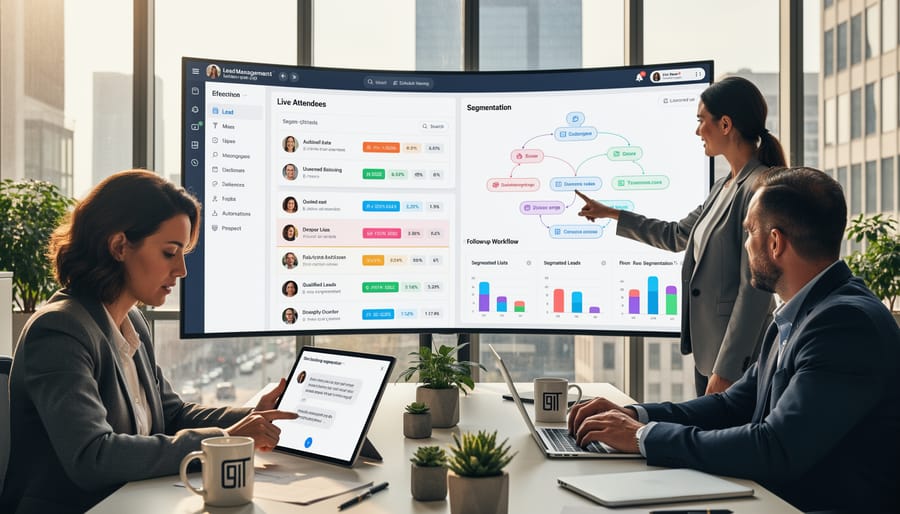
Start by segmenting your leads based on LinkedIn data. Group attendees by job title, company size, industry, or engagement level during the stream. This allows you to craft targeted messaging that speaks directly to each segment’s specific needs. For example, C-level executives receive different follow-up content than mid-level managers, even if they attended the same event.
Personalization goes beyond using someone’s first name. Reference their company, acknowledge their specific questions from the live chat, or mention mutual connections visible through LinkedIn. Your CRM should automate this process by pulling relevant LinkedIn profile information directly into your email templates and follow-up sequences.
Timing matters significantly. Set up automated workflows that trigger within 24 hours of the live stream while your brand is still top-of-mind. Send replay links to those who registered but didn’t attend, and offer additional resources to engaged participants who stayed until the end.
Track metrics that actually predict revenue. Monitor email open rates and click-through rates, but focus more on meeting bookings, demo requests, and pipeline value generated from each segment. Your CRM should attribute closed deals back to specific live stream events, giving you clear visibility into which topics and formats drive the best results.
Regular A/B testing of your follow-up sequences reveals what resonates with your audience. Test subject lines, call-to-action placement, and the timing between touches to maximize live stream ROI and continuously improve your conversion rates.
The shift from manual to automated lead capture represents more than just a workflow improvement—it’s a competitive advantage that directly impacts your revenue potential. When you’re investing time and resources into LinkedIn live streams, every lead counts. Manual processes inevitably result in lost opportunities, delayed follow-ups, and inconsistent data entry that undermines your sales efforts.
Automated LinkedIn-CRM integration transforms your live streams into systematic lead generation engines. Instead of scrambling to collect information during or after your broadcast, your system captures, organizes, and routes leads automatically. This means your sales team can focus on building relationships rather than data entry, and your marketing team gains immediate insights into audience engagement and conversion patterns.
The question isn’t whether to automate, but rather how quickly you can implement these systems. Take time this week to evaluate your current lead capture process. Calculate how many potential leads slip through the cracks with manual methods, and compare that against the streamlined workflows offered by integrated CRM solutions. The right system pays for itself through improved conversion rates and time saved across your team.
Leave a Reply