Voice Search Ads: Supercharge Your Campaigns With Simple Activation Steps

Transform your digital marketing strategy by activating voice search capabilities across your advertising platforms. Modern consumers increasingly rely on voice commands to find products and services, making voice search optimization a crucial competitive advantage. Enable voice search features in your Google Ads campaign settings, optimize your keywords for natural language patterns, and structure your ad content to match conversational search queries. This strategic approach not only captures the growing voice search market but also positions your business to meet evolving consumer preferences while maximizing ad spend efficiency.
The key to successful voice search implementation lies in understanding how users naturally speak their queries. Unlike traditional text-based searches, voice queries tend to be longer, more conversational, and often posed as questions. By adapting your advertising strategy to accommodate these behavioral patterns, you’ll tap into a rapidly expanding market segment while staying ahead of industry trends.
Understanding Voice Search Ad Extensions
Voice search ad extensions are powerful tools that enhance your digital advertising campaigns by optimizing them for voice-based queries. These extensions allow your ads to appear in voice search results and provide additional information when users interact with voice assistants like Google Assistant, Siri, or Alexa.
By implementing voice search ad extensions, businesses can capture the growing segment of users who prefer voice-based interactions. These extensions typically include natural language variations of your keywords and conversational phrases that match how people actually speak when conducting voice searches.
The primary benefits of voice search ad extensions include:
• Increased visibility in voice search results
• Better alignment with conversational search queries
• Higher click-through rates for voice-activated searches
• Improved local search performance
• Enhanced mobile advertising effectiveness
To maximize the impact of voice search ad extensions, focus on incorporating long-tail keywords and question-based phrases that mirror natural speech patterns. For example, instead of targeting “pizza delivery,” optimize for phrases like “where can I order pizza for delivery near me?”
Remember to regularly review and update your voice search extensions based on performance data and changing user behavior. Consider factors such as local dialects, common voice commands, and seasonal variations in search patterns. This approach ensures your ads remain relevant and effective across various voice search platforms while maintaining a competitive edge in the evolving digital landscape.
Setting Up Voice Search in Google Ads
Account-Level Setup
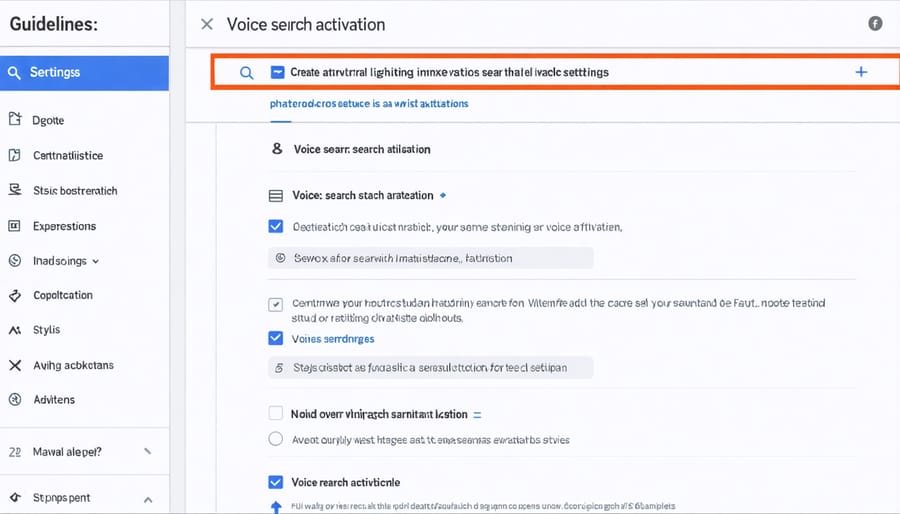
To enable voice search at the account level, log into your Google Ads dashboard and navigate to the Account Settings menu. This foundational step in Google Ads mastery ensures voice search capabilities are activated across all your campaigns.
Click on the ‘Features’ tab and locate the ‘Voice Search’ option. Toggle the switch to ‘Enable’ and save your changes. You’ll need administrator-level access to modify these settings. Once activated, verify that your account status shows ‘Voice Search Active’ in green.
Next, set your default voice search parameters in the Account Preferences section. Select your target languages and regions to ensure proper voice recognition. Consider enabling multi-language support if your business serves diverse markets.
Remember to review your account’s privacy settings and data collection policies, as voice search features may require additional user permissions. These settings can be adjusted later as needed, but it’s crucial to configure them correctly during initial setup to ensure optimal performance.
Campaign-Specific Configuration
To configure voice search for specific campaigns, start by accessing your campaign settings in your advertising platform’s dashboard. Select the campaign you want to enable voice search for and navigate to the ad extensions section. Enable voice search capabilities by checking the appropriate box in your campaign settings.
Customize your voice search parameters based on your campaign objectives. Set relevant keywords and phrases that align with natural speech patterns your target audience might use. Consider including location-specific terms if your campaign targets local customers.
Adjust your bid strategy to account for voice search traffic. Voice searches often have longer, more conversational queries, so consider setting higher bids for long-tail keywords and question-based phrases. Set up different bid adjustments for voice search versus traditional text search to optimize your budget allocation.
Don’t forget to create specific ad copy that responds well to voice queries. Use natural language in your ad text and ensure your landing pages contain content that matches conversational search intent. Monitor your voice search performance metrics separately from traditional search data to make informed optimization decisions.
Remember to regularly review and update your campaign-specific voice search settings based on performance data and changing user behavior patterns.
Optimizing Voice Search Performance
Keyword Selection
When optimizing for voice search, selecting effective keywords requires a different approach than traditional text-based search. Focus on natural language phrases and conversational terms that people commonly use when speaking. Include long-tail keywords that mirror complete questions, such as “where can I find” or “how do I.” Consider incorporating location-specific terms and time-sensitive phrases like “near me” or “open now.”
Prioritize question words (who, what, where, when, why, how) in your keyword strategy, as voice searches typically take the form of complete questions. Research shows that voice search queries are generally longer than typed searches, averaging 7-9 words. Pay attention to casual language patterns and colloquialisms your target audience uses when speaking naturally.
Remember to include action-oriented terms and immediate intent phrases, as voice searches often indicate a readiness to take action or make a purchase.
Ad Copy Optimization
To optimize your ad copy for voice search, focus on natural language patterns and conversational keywords. Start by incorporating question-based phrases like “how,” “what,” “where,” and “when” into your ad headlines and descriptions. These align with how people naturally speak when using voice commands.
Keep your ad copy concise yet conversational, and include long-tail keywords that match common voice search queries. For example, instead of “best pizza NYC,” use “where can I find the best pizza in New York City near me.” Consider local intent by adding location-specific terms and phrases like “near me” or “in [city name].”
Include action words and direct responses to potential questions. Structure your ads to address specific user needs and pain points using natural language. Remember to test different variations of conversational ad copy and monitor performance metrics to identify which phrases resonate best with voice search users.
Regularly update your ad copy based on voice search analytics and trending voice search patterns in your industry. This ensures your ads remain relevant and effective for voice search queries.
Measuring Voice Search Success
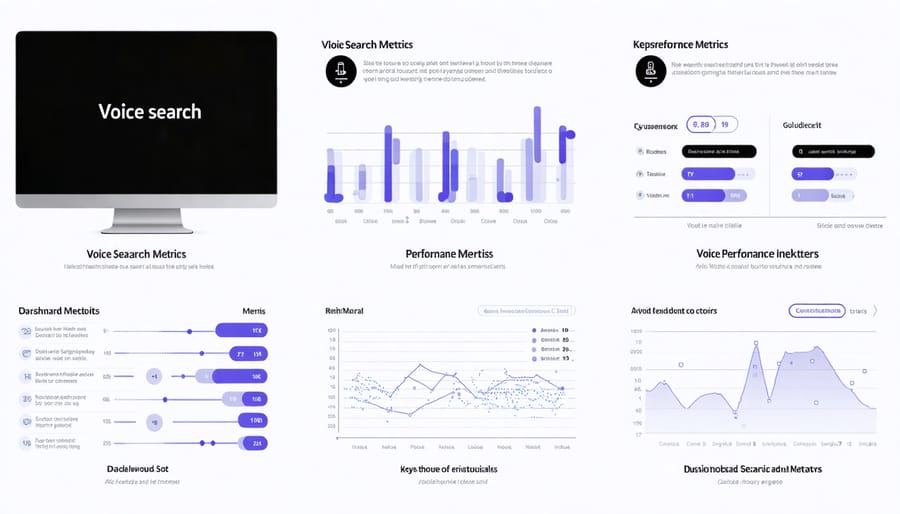
To effectively gauge the success of your voice search implementation, it’s essential to track campaign performance metrics specifically tailored to voice interactions. Start by monitoring your click-through rates (CTR) for voice-activated searches compared to traditional text searches. This comparison will help you understand if your voice optimization efforts are paying off.
Key metrics to focus on include:
– Voice search impression share
– Conversion rates from voice-initiated searches
– Average position for voice-targeted keywords
– User engagement time after voice searches
– Voice-specific bounce rates
Set up custom segments in your analytics dashboard to isolate voice search traffic. This separation allows for more accurate measurement of voice search performance. Many analytics platforms now offer voice search filtering options, making it easier to track these interactions separately.
Create monthly performance reports that highlight:
– Voice search query patterns
– Peak usage times for voice searches
– Device types used for voice searches
– Geographic distribution of voice search users
– Success rates of voice query interpretations
Remember to adjust your tracking parameters based on initial results. If certain metrics aren’t providing valuable insights, shift your focus to more meaningful indicators. Regular analysis of these metrics will help you refine your voice search strategy and improve overall performance.
Implementing voice search activation across your digital platforms is a strategic move that can significantly enhance user experience and drive better engagement. By following the steps outlined in this guide, you can successfully set up voice search capabilities and optimize them for maximum effectiveness. Remember to regularly test your voice search functionality, keep your commands simple and intuitive, and maintain clear documentation of your voice search settings. As voice technology continues to evolve, staying current with best practices and user preferences will ensure your voice search features remain relevant and valuable to your audience. Take action today to implement these voice search strategies, and you’ll be well-positioned to meet the growing demands of voice-enabled search in your digital presence.
Leave a Reply