Why Your Multiple Locations Aren’t Showing Up in Local Search (And How to Fix It)

Optimize individual location pages with unique, locally-relevant content that goes beyond simply changing city names in templates. Each page needs distinct service descriptions, local landmarks, neighborhood-specific customer testimonials, and embedded Google Maps pointing to that exact address. Generic, duplicate content will tank your rankings faster than having no location pages at all.
Claim and fully optimize every Google Business Profile separately, ensuring each location maintains consistent NAP (Name, Address, Phone) data across all online directories. This means auditing and correcting citations across 50+ platforms—a recurring task that becomes exponentially complex as you add locations. Without proper citation management, search engines can’t confidently determine which location to show for local queries.
Implement a centralized store locator that follows technical SEO best practices: fast loading speeds, crawlable location links, schema markup for each address, and mobile-responsive design. Your store locator isn’t just a customer convenience tool—it’s a critical SEO asset that helps search engines understand your geographic footprint and connect users to their nearest location.
Managing multiple locations requires a fundamentally different approach than traditional local SEO tactics. The challenge isn’t just doing local SEO—it’s doing it consistently across dozens or hundreds of locations while maintaining quality and measuring performance individually. Most businesses struggle because they treat multi-location SEO as a scaled-up version of single-location optimization, when it actually requires systematic processes, automation of repetitive tasks, and clear performance tracking for each location to identify what’s working and what needs immediate attention.
The Multi-Location SEO Challenge: Why One Strategy Doesn’t Fit All
Common Mistakes That Kill Your Local Rankings
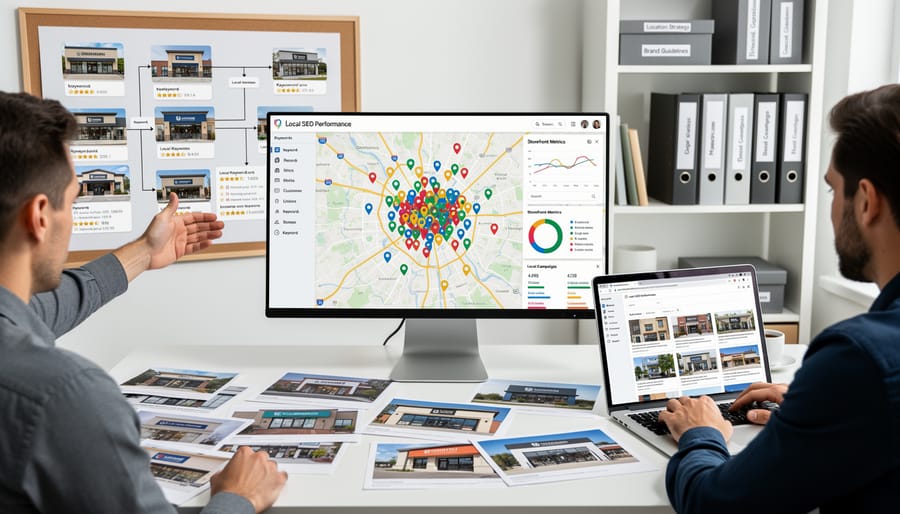
Even well-intentioned businesses often sabotage their local rankings by repeating the same critical mistakes. Understanding these pitfalls will help you avoid wasting time and resources on ineffective strategies.
The most damaging mistake is using template pages across all locations. When you simply swap out city names and addresses while keeping identical content, search engines recognize this as duplicate content. Each location needs unique, locally-relevant information that reflects the specific community it serves. This includes mentioning nearby landmarks, addressing local customer concerns, and highlighting location-specific services or team members.
Poor location page structure ranks as another common failure. Many businesses bury their location pages deep within their website architecture or fail to create individual pages altogether. Each location deserves a dedicated page with its own URL, making it easy for search engines to index and rank. The navigation should make finding any location straightforward for both users and search crawlers.
Neglecting individual location optimization means treating all your Google Business Profiles as a bulk operation. While automation helps manage multiple profiles efficiently, each location still requires attention to its unique attributes. This includes gathering location-specific reviews, posting about local events, and ensuring accurate business hours that reflect individual store schedules.
Inconsistent NAP information across directories creates confusion for search engines and customers alike. Your name, address, and phone number must match exactly across every platform. Even small variations like “Street” versus “St.” can dilute your local SEO effectiveness.
Finally, many businesses forget to create location-specific content beyond basic contact information. Adding team bios, local customer testimonials, and community involvement stories significantly strengthens each location’s digital presence and ranking potential.
Building Location Pages That Actually Rank

What Every Location Page Must Include
Creating effective location pages requires more than simply duplicating a template with different addresses. Each page must serve both search engines and potential customers with relevant, location-specific information.
Start with unique content for every location. Write genuine descriptions of each store, office, or service area that reflect the local community. Mention nearby landmarks, neighborhoods served, and what makes this particular location special. Search engines penalize duplicate content, so avoid copying and pasting identical descriptions across pages.
Incorporate local keywords naturally throughout the page. Include the city name, neighborhood, and relevant service terms in your headings, page content, and meta descriptions. Think about how local customers actually search for your business.
Display clear NAP information (Name, Address, Phone number) prominently on every location page. This data must match exactly what appears on your Google Business Profile and other directories. Consistency is critical for local search rankings.
Embed a Google Map showing the exact location. This helps visitors find you while signaling relevance to search engines. Make the map interactive so users can get directions with one click.
Include authentic photos of the actual location, not generic stock images. Show your storefront, interior, team members, and customers (with permission). Visual content builds trust and keeps visitors engaged longer.
List complete operating hours, including special holiday schedules. Update this information promptly when hours change to avoid frustrating potential customers.
Highlight location-specific services, promotions, or offerings. Perhaps one location specializes in certain products or serves a unique demographic.
Finally, showcase local business reviews prominently on each page. Customer testimonials from that specific location build credibility and influence purchasing decisions while strengthening your local SEO performance.
Creating Unique Content Without Reinventing the Wheel
Creating truly unique content for dozens or even hundreds of locations sounds overwhelming, but you don’t need to start from scratch for each page. The key is developing a systematic approach that maintains quality while scaling efficiently.
Start with a solid template for your geo-targeted landing pages that includes customizable sections. Your core services and business value remain consistent, but these specific elements should vary by location:
Local area information adds genuine value. Include details about neighborhoods served, nearby landmarks, parking availability, and local business hours if they differ. This signals to search engines that each page serves a distinct purpose.
Feature authentic customer testimonials from each location. Real reviews from local customers provide social proof while naturally incorporating location-specific language and references.
Staff profiles create human connection and differentiation. A brief introduction to the local team manager or key staff members makes each location feel distinct and builds trust with potential customers.
Highlight community involvement specific to each area. Local sponsorships, charity partnerships, or community events demonstrate your commitment to each neighborhood.
To streamline this process, implement automated systems that pull location-specific data like hours, contact information, and inventory availability. This ensures accuracy across all pages while freeing your team to focus on creating high-value, customized content elements that truly differentiate each location. Regular communication with local staff helps gather the unique stories and testimonials that make each page authentic.
Google Business Profile Management at Scale
Setting Up and Verifying Multiple Locations
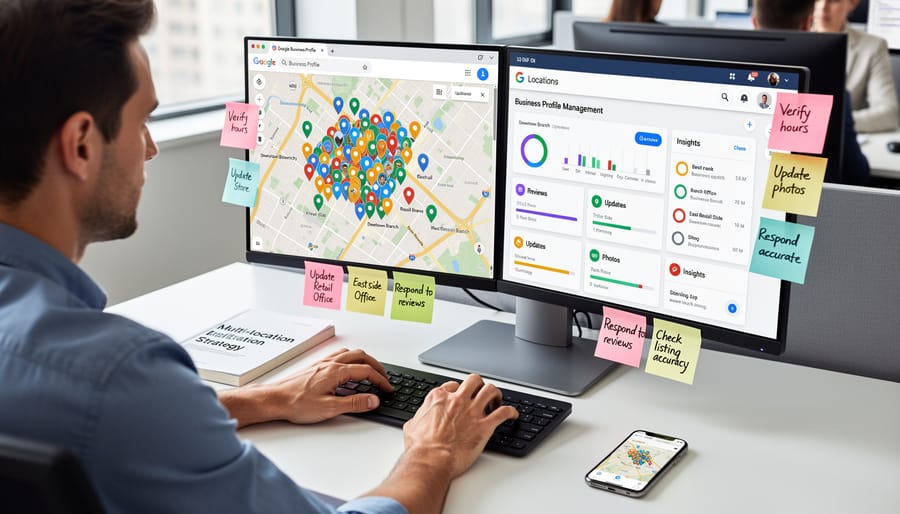
Claiming and verifying your business locations on Google Business Profile is the foundation of your multi-location SEO strategy. Start by creating a comprehensive spreadsheet listing all your locations with accurate business names, addresses, phone numbers, and operating hours. This centralized document ensures consistency across all platforms.
For businesses with fewer than ten locations, claim each profile individually through the Google Business Profile dashboard. Navigate to the platform, search for existing listings, and claim ownership. If no listing exists, create a new one with your verified information. Google typically offers verification through postcard, phone, or email, depending on your business type.
Companies managing ten or more locations should explore bulk verification options. Google’s bulk verification process requires businesses to meet specific eligibility criteria and work directly with Google support. This streamlined approach saves considerable time but demands meticulous data preparation and documentation proving your ownership of all locations.
Common pitfalls to avoid include using inconsistent business names across locations, creating duplicate listings, and rushing through the verification process without double-checking information. Never use PO boxes as physical addresses, and ensure each location has a unique phone number when possible. Virtual offices and shared workspaces can complicate verification, so prepare additional documentation demonstrating your physical presence at each location.
Set up automated reminders to monitor verification status and respond promptly to any Google requests. Most verifications complete within 14 days, but some locations may require additional documentation or follow-up communication with Google support.
Keeping Your Business Information Consistent
Maintaining accurate business information across all your locations is fundamental to multi-location SEO success. NAP consistency—ensuring your Name, Address, and Phone number are identical everywhere they appear online—directly impacts your local search rankings and customer trust. When search engines find conflicting information across directories, they struggle to verify which details are correct, potentially lowering your visibility in local search results.
The challenge multiplies quickly as you scale. With multiple locations, you’re managing dozens or hundreds of citations across platforms like Google Business Profile, Yelp, Facebook, Apple Maps, and industry-specific directories. Manual monitoring becomes impractical when you’re tracking information across 50 locations and 30 directories—that’s 1,500 potential inconsistencies to manage.
This is where automated systems become essential. Citation management platforms can monitor your business information across major directories, alerting you to discrepancies and enabling bulk updates when changes occur. These tools scan hundreds of sites simultaneously, identifying outdated phone numbers, incorrect addresses, or mismatched business names that could harm your rankings.
Set up automated alerts to notify your team when inconsistencies are detected. Establish a centralized system where location updates trigger automatic submissions to all relevant directories. This proactive approach prevents the ranking drops that occur when customers or search engines encounter conflicting information.
Regular audits remain important—schedule quarterly reviews to catch platforms your automation might miss. Focus your manual efforts on high-authority directories and platforms specific to your industry, ensuring your automated foundation stays strong.
Store Locator Optimization: Your Secret Weapon
Features That Make Your Store Locator Search-Friendly
Your store locator isn’t just a convenience tool—it’s a crucial SEO asset when built correctly. The difference between a basic map and a search-friendly locator comes down to a few technical requirements that directly impact your visibility.
First, ensure each location has its own unique URL that search engines can crawl and index. Avoid JavaScript-heavy locators that hide location information behind interactive elements. Search engines need direct access to your location data, which means implementing proper HTML structure with clickable links to individual location pages.
Crawlability is non-negotiable. If Google can’t access your location information, you won’t rank in local searches. Use your robots.txt file to confirm your store locator isn’t accidentally blocked, and create an XML sitemap specifically for your location pages. This automated approach helps search engines discover and index all your locations efficiently.
Implement schema markup on your locator to provide structured data about each location. LocalBusiness schema tells search engines exactly what they’re looking at—your business name, address, phone number, hours, and services—making it easier to appear in relevant local searches.
Mobile responsiveness isn’t optional. Most local searches happen on smartphones, and Google prioritizes mobile-friendly experiences. Your store locator should load quickly, display properly on small screens, and provide easy-to-tap elements for users searching on the go. Test your locator across multiple devices to ensure consistent performance and user experience.
Connecting Your Store Locator to Your Location Pages
Your store locator and individual location pages should work together as a unified system, not separate entities. Start by ensuring your store locator includes direct links to each location’s dedicated page. This creates a clear navigation path for both users and search engines to discover all your locations.
Each location page should link back to your main store locator, creating a bidirectional linking structure that distributes SEO value throughout your site. Include contextual links within your location page content that reference nearby locations when relevant. For example, if you serve multiple neighborhoods in one city, mention and link to those other locations naturally within the content.
Implement breadcrumb navigation that shows the hierarchy from your homepage to the store locator to individual location pages. This helps search engines understand your site structure while improving user experience.
Consider adding a “nearby locations” module on each location page that automatically displays the closest three to five locations. This not only helps customers find alternative options but also strengthens your internal linking structure automatically as you add new locations. The key is making these connections feel natural and helpful rather than forced, ensuring both search engines and potential customers can easily navigate your entire location network.
Local Citations and Directory Management
Priority Directories for Multi-Location Businesses
Focus your citation-building efforts on the directories that deliver the most local search value. Start with the essential four: Google Business Profile, Apple Maps, Bing Places, and Facebook. These platforms drive the majority of local search traffic and feed data to numerous smaller directories.
Next, prioritize industry-specific directories relevant to your business type. A medical practice should prioritize Healthgrades and Zocdoc, while restaurants need Yelp and OpenTable. Local chamber of commerce listings and Better Business Bureau profiles add credibility for all business types.
Managing citations manually across dozens of locations becomes unsustainable quickly. Automated citation management tools help you distribute accurate NAP (Name, Address, Phone) data to 50+ directories simultaneously and monitor for inconsistencies. These platforms scan for duplicate listings, flag discrepancies, and push corrections automatically.
Set up automated alerts to notify you when location information changes or when new duplicate listings appear. This proactive approach prevents citation errors from accumulating and damaging your local rankings. Regular quarterly audits ensure your automation remains effective, but the system handles day-to-day maintenance without manual intervention. This approach saves hundreds of hours annually while maintaining consistent local search visibility across all locations.
Monitoring and Correcting Citation Errors
Inaccurate citations can severely damage your local search rankings and confuse potential customers trying to find your locations. The challenge multiplies when managing dozens or hundreds of locations, making manual monitoring impractical.
Start by conducting a comprehensive citation audit across all major directories, data aggregators, and industry-specific platforms. Document every instance where your business name, address, or phone number appears differently across locations. Common errors include outdated addresses, inconsistent business name formats, and disconnected phone numbers.
Implement automated monitoring tools that continuously scan directories for citation discrepancies. These systems alert you immediately when inconsistencies appear, allowing you to correct them before they impact rankings. Set up monthly reports that track citation accuracy rates across all locations, prioritizing fixes for your highest-revenue stores first.
When correcting citations, follow a systematic approach: claim and verify each listing, update information directly through the platform, and submit corrections through data aggregators to cascade changes across multiple directories simultaneously. For persistent errors, document your correction attempts and escalate to platform support teams.
Maintain a master spreadsheet with verified information for each location, including exact formatting requirements. Share this resource with franchise owners or location managers to ensure everyone communicates consistent information when creating new listings or responding to customer inquiries.
Measuring Success: Metrics That Matter
Setting Up Location-Specific Tracking
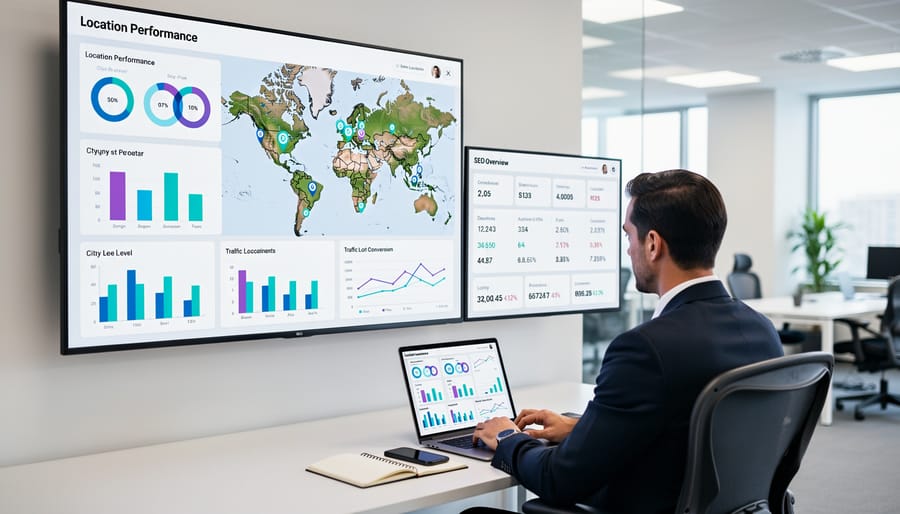
Tracking performance across multiple locations requires separate analytics for each site to understand what’s working and where improvements are needed. Start by setting up location-specific tracking in Google Analytics using UTM parameters or separate property views for each location. This allows you to measure traffic, user behavior, and conversions individually rather than viewing aggregated data that masks location-specific issues.
Implement local rank tracking tools that monitor keyword positions in specific geographic areas. Services like BrightLocal, LocalFalcon, or SEMrush’s position tracking feature let you track rankings for each location’s target keywords in their respective service areas. Set up automated weekly or monthly reports to monitor ranking changes without manual checking.
For accurate traffic attribution, create custom segments in your analytics platform that filter by city, region, or store-specific landing pages. This helps identify which locations drive the most organic traffic and which need additional optimization efforts. Configure goal tracking or conversion events for location-specific actions like phone calls, direction requests, or appointment bookings.
Consider implementing call tracking with unique phone numbers for each location to measure phone conversions from organic search. This provides concrete ROI data that helps justify ongoing SEO investments.
Automate your reporting process by creating dashboard templates that pull location-specific metrics automatically. Schedule monthly reports that show each location’s organic traffic, ranking changes, conversion rates, and year-over-year growth. This streamlined approach saves time while keeping stakeholders informed about performance across your entire location network.
Managing SEO across multiple locations doesn’t have to be overwhelming. The key is implementing a systematic approach that combines strategic thinking with efficient execution. By focusing on the foundational elements—optimized location pages, properly configured Google Business Profiles, accurate citations, and an effective store locator—you create a scalable framework that drives visibility for all your locations.
The reality is that multi-location SEO involves numerous repetitive tasks that consume valuable time. This is where automation becomes essential. By automating routine processes like citation management, review monitoring, and reporting, you free up resources to focus on what truly matters: developing strategy, creating quality content, and delivering results for your clients or business.
Start by auditing your current local SEO presence across all locations. Identify gaps in your Google Business Profiles, inconsistent NAP information, and underperforming location pages. Then prioritize quick wins—accurate citations and optimized GBP listings can deliver immediate improvements in local search visibility.
Remember that multi-location SEO is an ongoing commitment, not a one-time project. Search algorithms evolve, competitors adapt, and new locations require attention. Establish regular monitoring and maintenance schedules to ensure consistent performance across your entire portfolio.
The businesses that succeed with multi-location SEO are those that balance comprehensive strategy with efficient execution. Take the first step today by implementing these fundamentals, and watch your local visibility grow systematically across every location you serve.
Leave a Reply