Apple Business Connect: The Free Tool Most Local Businesses Are Ignoring

Claim your Apple Business Connect listing within minutes to ensure your business appears accurately across Apple Maps, Siri, Wallet, and other Apple services where millions of potential customers search daily. Upload high-quality photos, verify your business hours, and add your complete service menu to maximize visibility in local search results.
Optimize your business categories strategically by selecting the most specific primary category that matches your core offering, then add relevant secondary categories to capture broader search queries. Apple’s algorithm prioritizes businesses with complete, accurate profiles, so fill every available field including accepted payment methods, accessibility features, and special attributes unique to your industry.
Enable the Showcases feature to highlight your products, services, or special promotions directly in your Apple Maps listing. These visual cards appear prominently in search results and can include pricing, descriptions, and calls-to-action that drive immediate customer engagement.
Integrate Apple Business Connect into your comprehensive local SEO strategy by maintaining consistency across all platforms. Ensure your NAP (Name, Address, Phone) information matches exactly across Google Business Profile, Bing Places, and Apple Business Connect to strengthen your overall local search authority.
Monitor your Place Card performance through Apple’s dashboard to track customer interactions, photo views, and direction requests. This data reveals how customers discover your business and which optimization efforts deliver measurable results, allowing you to refine your approach based on actual user behavior rather than assumptions.
What Is Apple Business Connect and Why It Matters for Local SEO
Apple Business Connect is Apple’s free platform that allows businesses to manage their online presence across Apple Maps, Siri, Wallet, and other Apple services. Think of it as Apple’s answer to Google Business Profile—a centralized hub where you control how your business appears to millions of Apple users searching for local services and products.
The platform matters more than many business owners realize. With over 1 billion active iPhone users worldwide and Apple Maps handling approximately 5 billion requests per week, your presence on Apple’s ecosystem directly impacts your local visibility. Research shows that Apple Maps comes pre-installed on every iOS device, making it the default navigation app for a massive user base that often doesn’t switch to alternatives.
Here’s why this matters for your local SEO strategy: Apple device users tend to have higher purchasing power and engagement rates compared to other platforms. When someone searches for “coffee shop near me” on their iPhone, Apple Maps results appear directly in Spotlight search, Siri responses, and the Maps application itself. If your business isn’t properly set up on Apple Business Connect, you’re invisible to these potential customers.
The integration between Apple Business Connect and local SEO extends beyond just map visibility. Apple’s ecosystem creates multiple touchpoints where your business information appears, from Safari search suggestions to CarPlay navigation. Each interaction represents an opportunity to attract local customers actively searching for what you offer.
What sets Apple Business Connect apart is its seamless connection to Apple’s privacy-focused user base. Unlike other platforms, Apple provides business owners with detailed analytics while respecting customer privacy, giving you insights into how people discover and interact with your business listing.
For businesses serious about local SEO, ignoring Apple Business Connect means abandoning a significant portion of your local market. The platform’s growing influence in local search makes it essential for comprehensive local visibility, working alongside your Google Business Profile to maximize your digital footprint.
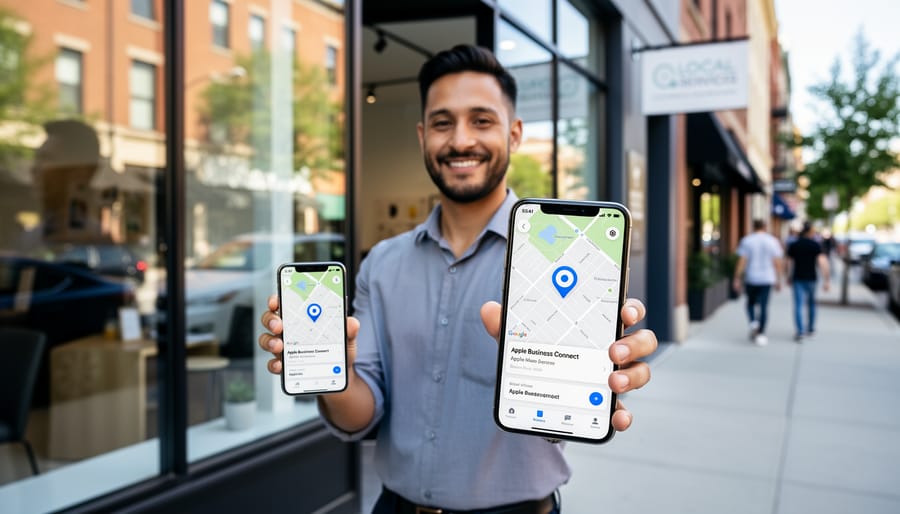
Setting Up Your Apple Business Connect Profile: The Essentials
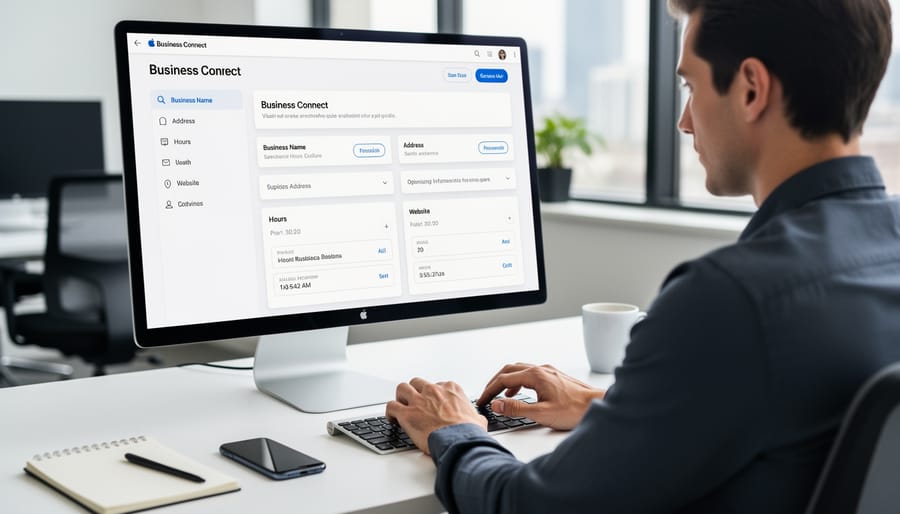
Claiming and Verifying Your Business
Claiming your business on Apple Business Connect is straightforward but requires attention to detail. Begin by visiting the Apple Business Connect portal and searching for your business name and address. If your business appears in the results, select it and click “Claim This Business.” If it doesn’t exist, you’ll need to create a new listing from scratch.
The verification process typically involves one of three methods: email verification, phone verification, or physical mail. Apple will send you a verification code that you must enter within the specified timeframe, usually 7-14 days for postal verification and immediately for electronic methods.
Have your business documentation ready, including your tax identification number, proof of business address, and official business registration documents. Apple may request these to confirm you’re an authorized representative.
Expect the entire claiming and verification process to take 3-5 business days for electronic verification or up to three weeks if physical mail is required. During this period, you can begin preparing your business information and visual assets, ensuring you’re ready to optimize your listing immediately upon approval. Once verified, you’ll gain full access to edit and manage your business information across Apple’s ecosystem.
Essential Information to Include
Your Apple Business Connect listing requires specific, accurate information to maximize local search visibility. Start with your business name, address, and phone number—commonly known as NAP consistency. This information must match exactly across all online platforms, including your website, Google Business Profile, and social media. Even minor variations like “Street” versus “St.” can confuse search algorithms and hurt your rankings.
Business categories deserve careful consideration. Apple allows you to select primary and secondary categories that describe your services. Choose the most specific options available—a coffee shop that also sells pastries should prioritize “Coffee Shop” over the broader “Restaurant” category. Accurate categorization helps Apple connect your business with relevant user searches.
Operating hours directly impact customer experience and search visibility. Include regular hours, holiday schedules, and special hours for different services if applicable. Outdated hours lead to frustrated customers and negative reviews, which damage your local SEO performance.
Contact details should include your primary phone number, website URL, and email address. These touchpoints enable direct customer communication and signal to Apple that your business is active and accessible. Keep this information current—broken links or disconnected numbers suggest an abandoned business, reducing your search prominence and customer trust.
Optimization Strategies That Actually Move the Needle
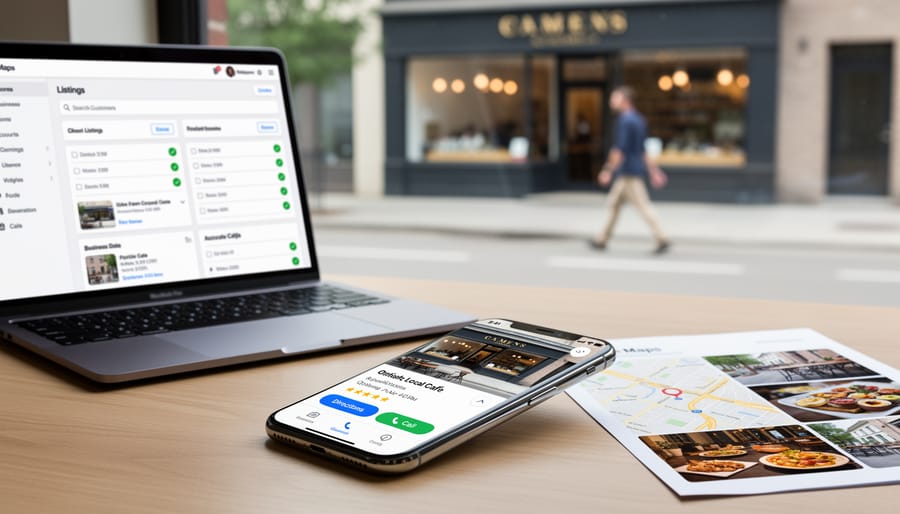
Optimizing Your Business Description and Categories
Your business description serves as your first impression in Apple Maps search results, making it crucial for both user engagement and search visibility. Focus on crafting a description that naturally incorporates relevant keywords while clearly communicating your unique value proposition. Start with your primary service or product, then explain what sets your business apart from competitors in your area.
Keep your description between 150-250 characters for optimal display across devices. Front-load the most important information, as users often skim. Instead of generic phrases like “we provide excellent service,” specify what you offer: “Family-owned bakery specializing in gluten-free wedding cakes and custom pastries since 2015.” This approach naturally includes searchable terms while providing meaningful information.
When selecting business categories, accuracy directly impacts your discoverability. Apple Business Connect allows you to choose a primary category and several secondary options. Your primary category should precisely match your core business function, as this determines when you appear in relevant searches. For secondary categories, think about how customers actually search for your services. A coffee shop might add categories like “breakfast spot” or “wi-fi cafe” to capture different search behaviors.
Avoid category stuffing or selecting irrelevant options, as this can dilute your visibility in truly relevant searches. Review your categories quarterly, as search trends and your service offerings may evolve. Many businesses automate regular reviews of their Apple Business Connect listings to ensure descriptions and categories remain current without requiring manual monitoring, helping maintain consistent local search performance.
Photo and Visual Content Best Practices
Visual content significantly impacts how customers perceive your business on Apple Maps. Your profile photo should be a high-resolution image (at least 3000 x 3000 pixels) that clearly represents your brand, whether it’s your storefront, logo, or signature product. Apple recommends square images in JPG or PNG format, with file sizes under 5MB.
Your logo must be simple and recognizable at small sizes since it appears as a pin on the map. Use a transparent background PNG file and ensure the logo works well in both light and dark modes. Avoid logos with excessive detail or text that becomes illegible when scaled down.
Cover images showcase your business atmosphere and should highlight your best features. Choose well-lit, professional photos that tell your brand story. Avoid stock photos—authentic images of your actual location perform better with customers.
For comprehensive photo optimization, ensure all images are properly geotagged with your business location. This reinforces your local presence and improves search visibility.
Update your photos quarterly to maintain freshness. Seasonal images, new products, or renovated spaces keep your profile current and engaging. Apple’s automated review process typically approves images within 24-48 hours, making it easy to maintain an up-to-date presence.
Leveraging Showcases and Special Offers
Apple Business Connect’s showcase features provide powerful tools to capture customer attention directly in Apple Maps. You can highlight up to 10 photos that display your products, services, or location ambiance, giving potential customers a visual preview before they visit. These images appear prominently in your business listing and significantly influence decision-making.
The platform also allows you to promote special offers and limited-time deals through dedicated promotional cards. These appear in your listing with eye-catching visuals and clear calls-to-action, driving immediate customer response. To maximize impact, rotate your showcases regularly—monthly updates keep your listing fresh and give repeat customers reasons to engage.
Product and service highlights enable you to feature specific offerings with descriptions and pricing information. This transparency builds trust and helps customers make informed decisions before contacting you. For restaurants, menu integration directly within Apple Maps streamlines the ordering process.
Track performance through Apple Business Connect’s analytics dashboard. Monitor which showcases generate the most engagement and adjust your strategy accordingly. Automated scheduling tools can help maintain consistent updates without manual intervention, ensuring your promotional content stays current. This proactive approach to visual merchandising improves local visibility and drives higher conversion rates from map searches to actual visits.
Maintaining Accurate Business Information
Accurate business information directly impacts customer trust and search visibility. Outdated hours or contact details create friction points that drive potential customers to competitors. Apple Business Connect requires regular updates for standard hours, holiday schedules, and temporary closures to maintain accuracy across Apple Maps and Siri results.
Manual updates across multiple platforms become time-consuming and error-prone. Automation tools can synchronize your business information across Apple Business Connect, Google Business Profile, and social media simultaneously. Set up automated alerts for upcoming holidays or seasonal hour changes to ensure proactive updates rather than reactive corrections. This consistency strengthens your local SEO performance while reducing the administrative burden on your team, allowing you to focus on serving customers instead of managing listings.
Integrating Apple Business Connect Into Your Overall Local SEO Strategy
NAP Consistency Across Platforms
Your business’s Name, Address, and Phone number (NAP) must match exactly across Apple Business Connect, Google Business Profile, and all other online directories. Even minor variations—like “Street” versus “St.” or different phone number formats—confuse search engines and erode customer trust.
Search engines use NAP data to verify your business’s legitimacy and location. When they encounter conflicting information, they struggle to determine which version is correct, potentially suppressing your business in local search results. This is why inconsistencies hurt local SEO and can cost you valuable visibility.
Customers also notice discrepancies. If someone finds your business on Apple Maps with one phone number but sees a different number on Google, they question your credibility. This hesitation can drive them to competitors instead.
To maintain consistency, audit all your listings quarterly. Use the exact same formatting for your business name, complete address, and phone number everywhere. Automated listing management tools can streamline this process, ensuring updates propagate across platforms simultaneously. This systematic approach protects your local search rankings while building customer confidence in your business information.
Using Automation to Streamline Multi-Platform Management
Managing Apple Business Connect alongside Google Business Profile, Facebook, and other platforms can quickly become overwhelming without the right systems in place. Automation is your most valuable tool for maintaining consistency across all channels while minimizing time investment.
Start by establishing a central content calendar that tracks updates needed across all platforms. When information changes—such as holiday hours, phone numbers, or service offerings—automated workflows ensure these updates propagate to Apple Business Connect and your other listings simultaneously.
Consider using platforms that offer multi-location management capabilities if you operate multiple storefronts. These tools allow you to push bulk updates to Apple Business Connect and competing platforms from a single dashboard, eliminating the need to log into each service individually.
Set up automated monitoring for profile completeness and accuracy. Regular scans can alert you when information becomes outdated or when customers leave reviews requiring responses. This proactive approach prevents small oversights from becoming larger visibility issues.
Most importantly, automate routine communications with clients about their listing performance. Monthly reports showing Apple Maps impressions, engagement metrics, and comparison data against other platforms demonstrate ongoing value while keeping stakeholders informed without manual reporting effort.
Measuring Success and Making Adjustments
Tracking your Apple Business Connect performance ensures your optimization efforts deliver tangible results. Apple provides built-in analytics within the Business Connect dashboard, showing how customers interact with your listing. Focus on these key metrics: total impressions (how often your business appears in searches), customer actions (calls, directions, website visits), and photo views.
Start by establishing baseline metrics when you first optimize your listing. Check your dashboard weekly during the first month, then shift to bi-weekly reviews once you’ve identified patterns. Pay particular attention to which customer actions increase after making specific changes—this reveals what resonates with your audience.
The most valuable metrics for local businesses include direction requests and phone calls, as these indicate high purchase intent. If these numbers remain low despite strong impressions, your business description or photos may need refinement. Conversely, high impression counts with few actions suggest your listing appears for irrelevant searches, requiring category or keyword adjustments.
Use these actionable steps for continuous improvement. First, A/B test your business description by updating it monthly and tracking which version generates more customer actions. Second, refresh your photos quarterly—new images signal activity and can boost engagement. Third, monitor competitor listings in your category to identify optimization opportunities you’ve missed.
Set up automated monthly reports to track performance trends without manual data collection. This allows you to spot declining metrics quickly and respond before they impact revenue. When you notice positive changes, document what triggered them to replicate success.
Remember that Apple’s algorithm favors active, well-maintained listings. Consistent monitoring and data-driven adjustments demonstrate your commitment to accuracy, potentially improving your ranking in Apple Maps search results. Small, regular refinements typically outperform occasional major overhauls, making continuous optimization the most effective long-term strategy.
Optimizing Apple Business Connect is no longer optional for businesses targeting iOS users and local customers. By claiming your profile, maintaining accurate business information, leveraging customer engagement features, and integrating with broader local SEO strategies, you position your business for increased visibility where millions of potential customers search daily. Start by auditing your current Apple Business Connect presence, then systematically implement the optimization strategies outlined above. Focus first on accuracy and completeness, then expand to customer engagement and review management. For businesses managing multiple locations or seeking efficient implementation, automated solutions can significantly reduce the time investment while ensuring consistency across platforms. Professional support can streamline the technical aspects of integration and ongoing management, allowing you to focus on serving customers rather than managing directories. Take action today by claiming or updating your Apple Business Connect profile—your local SEO performance depends on it.
Leave a Reply